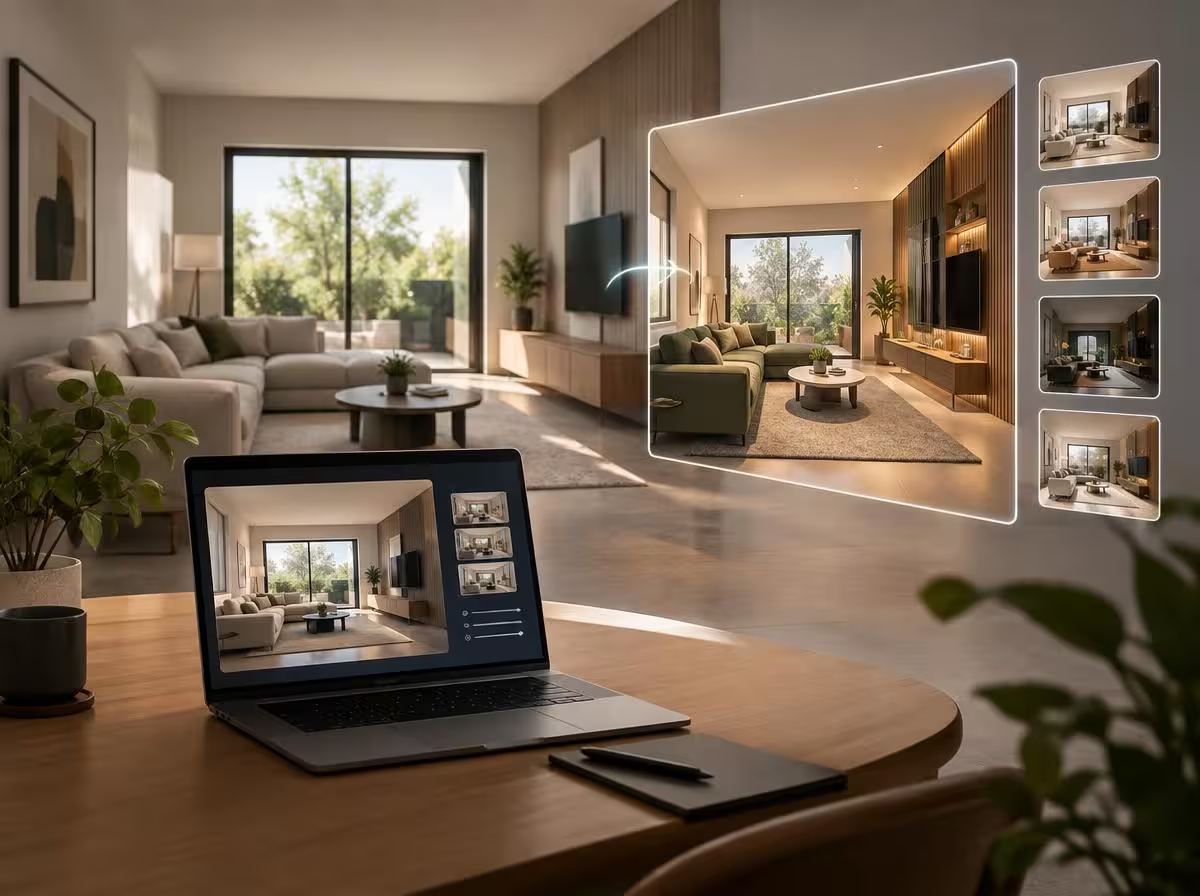
Learning how to redesign home with AI using nothing more than your smartphone camera and free generative tools is the fastest, most cost-effective shortcut to turning tired living spaces into curated, magazine-worthy retreats without spending a fortune on luxury interior design retainers.
We have all spent hours scrolling through Pinterest and Instagram boards saving photos of sun-drenched Scandinavian living rooms, bedrooms layered in relaxed Belgian linen, and serene reading nooks that look like architectural centerpieces.
Yet looking back at your own living room often triggers visual fatigue: the hand-me-down sofa clashes with mismatched window treatments, harsh overhead recessed lighting makes the room feel like a clinical office, and day-to-day clutter obscures any sense of spatial harmony.
The game changed with multimodal computer vision in cutting-edge language models. By uploading a single photo of your space into ChatGPT, Claude, or Gemini, the AI doesn’t just offer vague compliments: it audits room geometry, pinpoints traffic bottlenecks, and outlines a prioritized makeover roadmap tailored strictly to your real-world budget.
Why AI Has Become the Ultimate Low-Cost Interior Design Consultant
Hiring a private interior designer to redesign a single bedroom or living room often commands fees exceeding what you planned to spend on paint and furnishings combined. Conversely, redecorating on pure guesswork frequently results in buyer’s remorse: an undersized rug that floats like a postage stamp, paint swatches that dry two shades darker than expected, and throw pillows that fail to converse with one another.
Multimodal artificial intelligence closes this exact gap. Modern models have been trained on vast repositories of curated architectural photography, spatial ergonomics, lighting color theory, and classical proportions.
Unlike commercial apps whose primary objective is pushing sponsored retail catalog items, an advanced LLM operates as an objective, unbiased design director. It analyzes ambient daylight from your windows, reviews flooring undertones, and provides honest recommendations on what to preserve, what to refresh with a coat of paint, and what to donate immediately to reclaim breathing room.
“True elegance in a home is never about spending tens of thousands on high-end designer labels. It is about the intentional orchestration of warm light, the elimination of visual noise, and the tactile warmth of cohesive organic materials.”
— Design Editorial, Minha Dose de IA
How to Capture the Ideal Room Photograph Before Prompting
Before launching your assistant and pasting prompts, the input image dictates 80% of your consulting outcome. Computer vision needs clear vanishing lines, wall-to-ceiling boundaries, and natural light sources to accurately map architectural scale.
To maximize analytical accuracy, follow three foundational photography guidelines:
- Shoot from the deepest room corner (Wide Perspective): Instead of standing dead-center taking tight crops of individual furnishings, anchor yourself in a corner or doorway. This framing captures three walls, floor transitions, and ceiling lines in a single cohesive shot.
- Rely strictly on natural daylight with fixtures turned off: Pull back curtains and photograph during morning or mid-afternoon hours with all artificial lights switched off. This exposes true surface undertones without harsh halogen flares or yellow color casts.
- Level your camera at chest height: Avoid upward or downward angles that warp perspective. Keeping your smartphone level preserves vertical door and window lines, enabling the model to accurately gauge ceiling heights.

5 Practical Prompts to Redesign Home with AI Step-by-Step
With your room photo ready, deploying the right prompts makes all the difference. Each command below addresses a distinct design objective—from budget-capped aesthetic overhauls to solving traffic flow dilemmas. Copy, paste into ChatGPT, Claude, or Gemini, and customize the bracketed placeholders.
Prompt 1: The Comprehensive Room Overhaul Plan
Ideal for conducting an exhaustive spatial audit covering clutter, balance, and an itemized sequence of priorities to guide your transformation step-by-step.
I am uploading a photo of my room. Act as an expert interior designer. Analyze the layout, furniture placement, lighting conditions, color balance, wall treatments, flooring, visual clutter, negative space, and overall aesthetic equilibrium.

Next, develop a complete room transformation plan using my existing space as the baseline. Detail exactly what I should remove, relocate, repaint, replace, introduce, and reorganize, organized in strict order of impact.

My total available budget is [SPECIFY BUDGET, E.G. $400 / $1,000] and my preferred aesthetic is [SPECIFY DESIGN STYLE, E.G. Warm Minimalism / Japandi / Organic Modern / Scandi].
Prompt 2: The “Quiet Luxury” Uplift (High-End Feel on a Budget)
If purchasing new major furniture pieces is out of the question, this prompt tasks the model with identifying low-cost micro-adjustments that dramatically elevate perceived luxury.
Analyze the attached room photo and outline how to make this space appear significantly more elevated, sophisticated, and bespoke without unnecessary expenditures.

Identify the top 5 lowest-cost adjustments that deliver the highest immediate visual transformation.

Provide specific recommendations regarding:
1) Lighting strategy (exact Kelvin temperatures and layered task/ambient lighting)
2) Window treatments (hanging heights, rod placement, and fabric weight)
3) Accent textile colors and pillow styling
4) Realigning existing visible furniture
5) Hardy indoor botanical accents and rug sizing guidelines

Base your recommendations strictly on what is visibly present in the uploaded photograph.
Prompt 3: The “Pinterest-Worthy Bedroom Sanctuary”
Transforms mismatched sleeping quarters into boutique-hotel-style sanctuaries while respecting true room dimensions and practical architecture.
Transform the visual direction of my bedroom into an elegant, modern, Pinterest-worthy sanctuary.

First, frankly evaluate what currently makes this space look dated, visually cluttered, or uninviting in the uploaded photo.

Then, curate a cohesive design concept detailing:
- Core color palette (foundation hue, secondary neutral, and grounding contrast)
- Bedding layering and textile choices (washed linen, waffle throws, headboard styling)
- Evening mood lighting (bedside sconces, warm floor lamps, indirect glow)
- Wall art and decor styling (proper frame scale, negative space, or vertical paneling)

Keep all recommendations 100% grounded in the real architectural footprint of the room.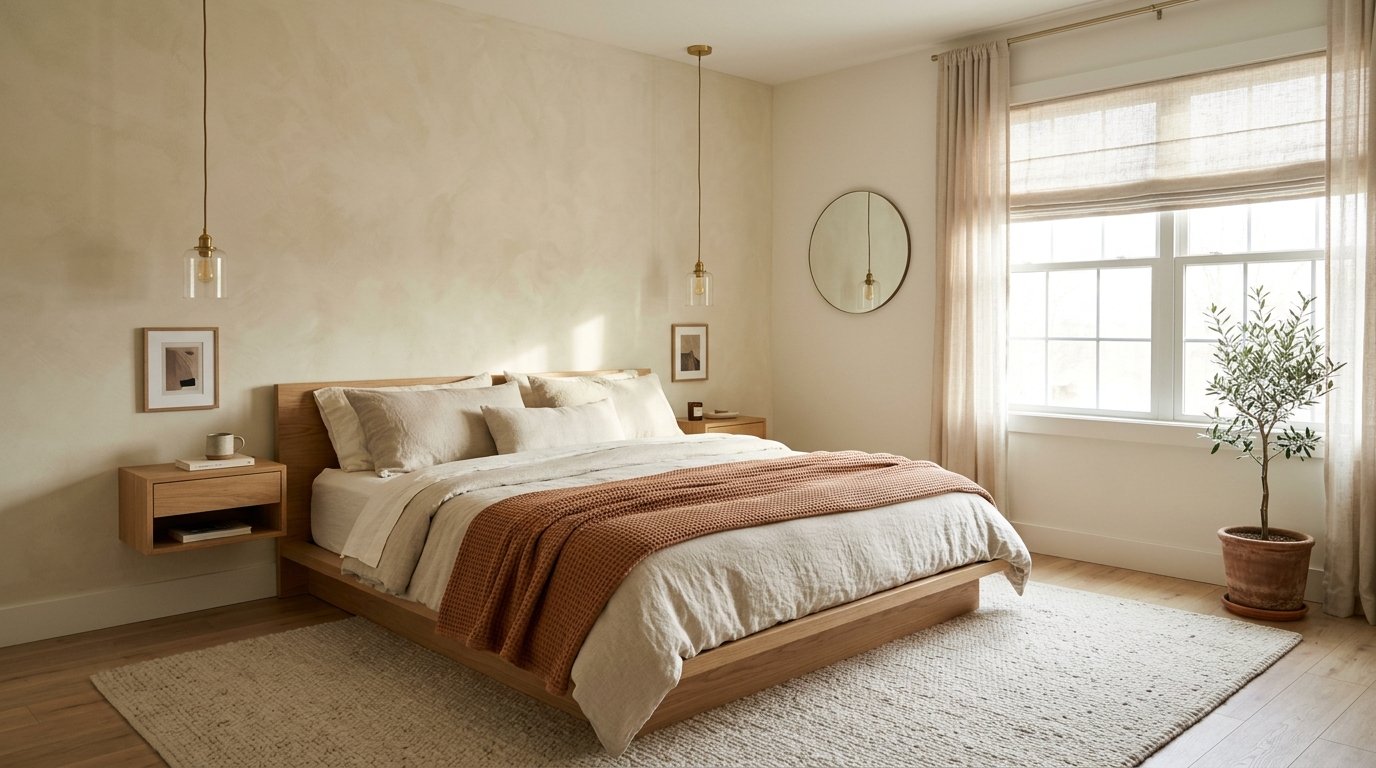
Prompt 4: Budget-Capped Strategic Makeover
Engineered for tight financial limits, this prompt categorizes interventions into essential fixes, high-impact investments, and budget DIY tasks.
I am uploading a photo of my room. Redesign it to achieve a dramatic visual improvement while strictly adhering to a total spending cap of [SPECIFY BUDGET CAP, E.G. $250].

Prioritize changes that deliver maximum visual transformation per dollar spent.

Explicitly itemize what I should:
- KEEP: functional pieces that already work
- DISCARD: clutter and pieces causing visual drag
- REORGANIZE: zero-cost positional shifts
- DIY: straightforward paint refreshes or hardware updates
- BUY: essential high-impact additions within the budget cap

Structure the output into three actionable tiers: ESSENTIAL, HIGH IMPACT, and FUTURE NICE-TO-HAVE.
Prompt 5: The Zero-Cost Layout & Traffic Flow Optimizer
When a room feels cramped or claustrophobic, the culprit is often poor furniture arrangement rather than square footage. This prompt rearranges your current furnishings for free.
Analyze the layout and circulation pathways of my room from the attached photograph.

Identify:
1) Dead or underutilized floor space
2) Obstructed walkways and awkward pinch points
3) Heavy furniture placements that visually shrink the room
4) Imbalanced focal points

Then, propose an optimized spatial floor plan utilizing exclusively the furniture items visible in the photo.

Explain precisely where each major piece should be relocated and the functional advantage gained by each shift.
4 Common Pitfalls When Decorating Interiors with Artificial Intelligence
While AI unlocks swift spatial ideation, several recurring oversights can derail your design plans:
- Ordering furniture without physical measuring: Computer vision understands relative proportions, but cannot measure millimeters. Always measure wall expanses with a tape measure and outline prospective furniture footprints on the floor with painter’s tape before purchasing.
- Mismatching light color temperatures: Cold daylight bulbs (5,000K–6,500K) create sterile, commercial ambiances. For inviting living and sleeping areas, specify warm white illumination (2,700K to 3,000K) diffused through paper, fabric, or frosted glass shades.
- The “Postage Stamp” rug error: Choosing an undersized rug that floats isolated between furnishings shrinks the perception of the room. A properly scaled area rug should extend beneath the front legs of sofas and armchairs to anchor seating arrangements.
- Hanging drapery rods directly at window trim: Mounting drapery rods right above window frames truncates vertical lines. Position curtain hardware just beneath ceiling moldings and extend panels down to kiss the floor for an illusion of grander ceiling height.
For projects requiring dimensional blueprint drafting or engineering precision, explore our comprehensive technical guide on AI CAD drafting and vector automation with CADCraft, alongside practical applications of AI in civil construction scheduling and budgets.
When to DIY with AI vs. When to Hire a Licensed Architect
Balancing digital automation with professional human expertise is essential for protecting both your budget and your home’s structural safety.
AI is unbeatable for:
- Curating cohesive color palettes, paint tones, and material finishes.
- Repositioning existing furnishings to optimize spatial flow.
- Selecting artwork, lighting fixtures, pillows, and indoor house plants.
- Generating custom Pinterest-style mood boards and aesthetic concepts.
- Virtual staging to explore furniture layouts in vacant rental spaces.
Hiring a licensed architect or structural engineer is mandatory for:
- Demolishing interior partitions or altering load-bearing framing.
- Major electrical rewiring, gas lines, or rerouting main plumbing stacks.
- Renovations requiring official building permits and municipal zoning stamps.
- Calculating structural floor dead-load capacities for heavy stone islands or hot tubs.
Frequently Asked Questions (FAQ)
What is the best free AI tool to redesign a room from a photo?
Free tiers of ChatGPT, Claude, and Google Gemini provide world-class computer vision analysis for color palettes, furniture arrangements, and lighting schemes. If you seek fully reimagined 3D rendered concepts mapped onto your photo, platforms like Planner 5D and Interior AI offer accessible free trials.
How do I stop AI from recommending unaffordable luxury decor?
Anchor your prompt with strict budgetary guardrails right in the opening sentence (as demonstrated in Prompts 1 and 4), instructing the model to prioritize accessible retail brands, DIY finishes, and repurposing existing furnishings.
Can AI accurately identify my home’s existing architectural style?
Yes. By parsing your uploaded photograph, computer vision identifies recurring elements such as mid-century modern lines, traditional moldings, or industrial fixtures, outlining which furnishings create stylistic friction and how to harmonize them.
Can I apply these prompts to exterior facades and patio spaces?
Absolutely. Capture an uncluttered daytime photograph of your facade or backyard patio and adapt the room prompt variables to focus on exterior paint tones, architectural lighting, hardscaping, and drought-tolerant landscaping.
Which room in your home needs an urgent visual refresh right now: your living room, primary bedroom, or home office? Have you experimented with uploading photos to AI for decorating advice? Share your thoughts and creative experiments in the comments below!