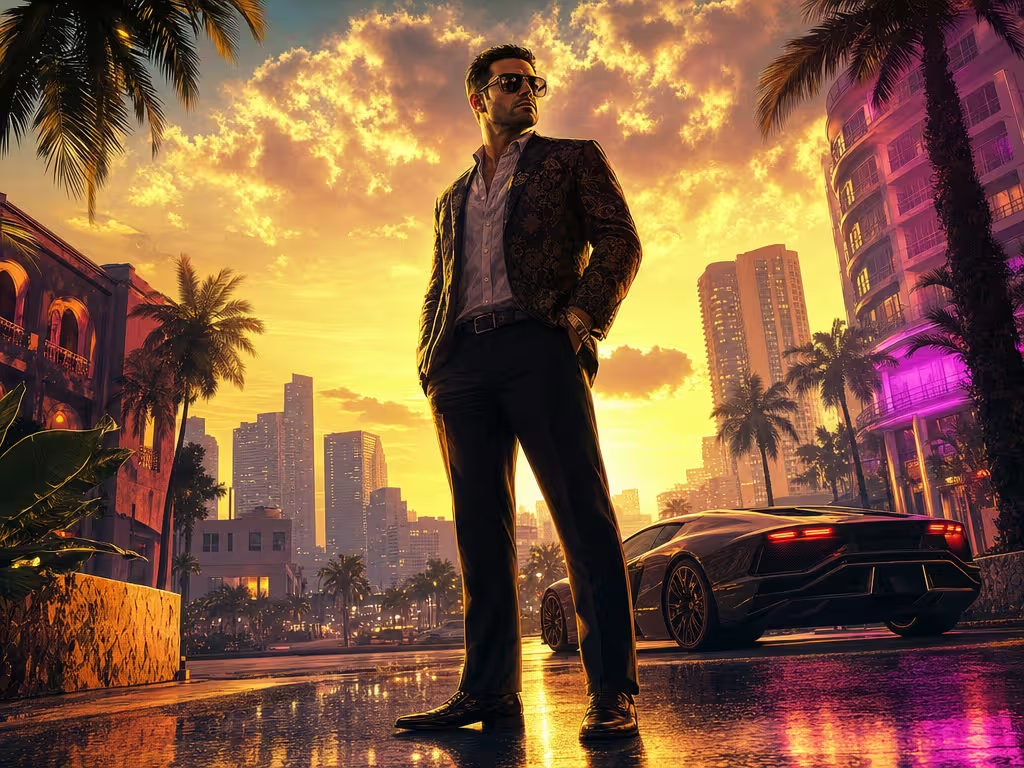
Few visual styles in popular culture are as instantly recognizable as the iconic cover art of the Grand Theft Auto franchise. Ever since the legendary illustrations of Stephen Bliss and Anthony Macbain defined the look of Vice City and San Andreas, that distinctive combination of saturated golden hour lighting, bold graphic cel-shading, and gritty attitude has been the gold standard of video game art. Learning how to create GTA-style AI images lets you transform ordinary selfies and portraits into blockbuster game cover art in minutes.
With global excitement reaching fever pitch following official trailers from Rockstar Games, social media feeds are buzzing with users turning themselves into characters roaming the fictional state of Leonida. Thanks to modern diffusion models like Midjourney, Flux.1, and Google’s latest image generators, you no longer need digital painting mastery to replicate this aesthetic.
However, getting that unmistakable Rockstar Games aesthetic requires more than just typing “GTA style” into a prompt box. If your prompt lacks specific camera direction, comic shading parameters, and color palettes, the AI will churn out generic, plastic video game renders. Drawing from our comprehensive master guide to AI image prompts and cinematic techniques from our guide on AI cinema styles and lighting, here is the ultimate production playbook.
Anatomy of the “Rockstar Aesthetic”
To craft prompt commands that accurately steer the AI, you must dissect the four visual pillars that define Grand Theft Auto key art:
- 1. Vector Cel-Shading with Ink Contours: GTA promotional artwork is not 3D CGI or realistic photography; it is high-end digital vector illustration. It features pronounced, hand-inked line work, clean cell shadows, and simplified specular highlights on skin and fabrics.
- 2. Low-Angle “Hero” Perspective: Characters are almost always framed from a slightly low angle (looking upward), conveying dominance, confidence, and swagger against the cityscape.
- 3. Golden Hour & Neon Rim Lighting: Warm, sunset amber light catches the side of the subject’s face, sunglasses, and shoulders, creating sharp separation from the palm-lined background.
- 4. Saturated Miami & Leonida Color Palettes: High-contrast hues dominate the frame: pastel pinks, tropical turquoises, deep amber golds, and rich midnight blues.
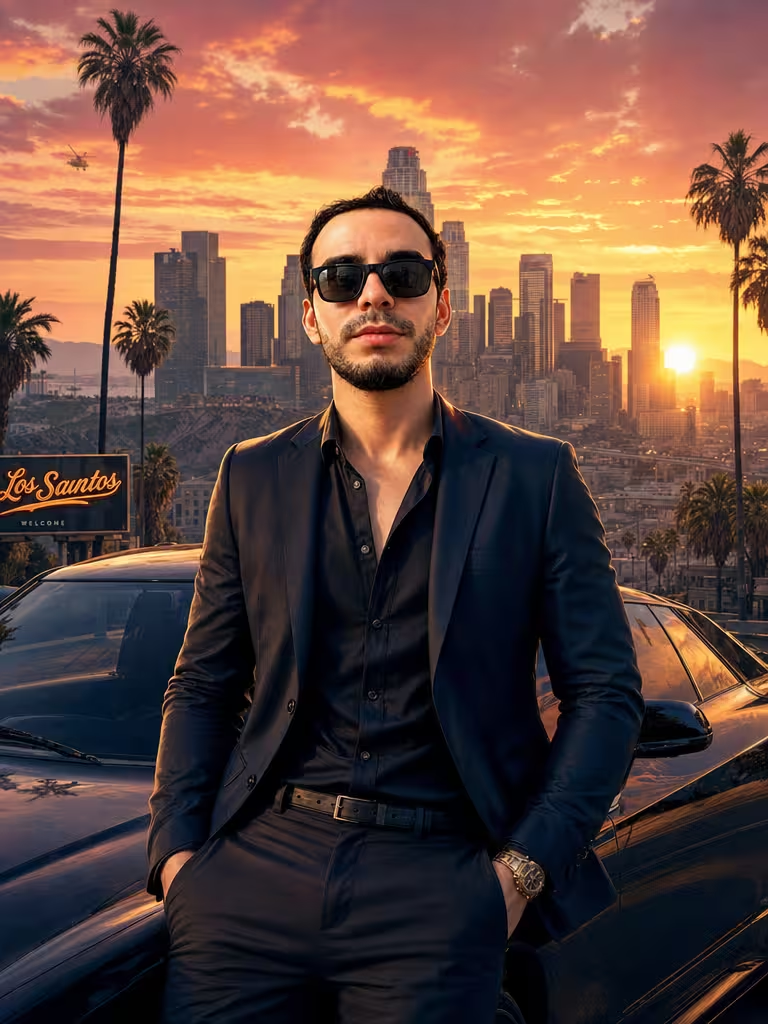
6 Tested Prompts for Epic GTA-Style Artwork
Use these prompts in Midjourney (v6 or newer), Flux.1, or modern image tools. If using an image reference of your own face, attach the photo URL before the prompt text:
Prompt 1: The Classic Vice City Cover Star
The timeless poster archetype featuring low-angle perspective, retro sports car, and sunset skyline:
Promotional key art in the official Grand Theft Auto video game cover illustration style. A confident 30-year-old protagonist wearing aviator sunglasses, open Hawaiian linen shirt, and a gold wristwatch, leaning casually against a classic 1980s red sports car. Background features iconic Vice City Ocean Drive with tall silhouette palm trees, art deco hotels, and a brilliant golden-hour sunset. Stylized digital vector illustration, sharp ink outlines, heavy cel-shading, vibrant saturated colors, dramatic warm rim lighting, low-angle hero framing --ar 3:4 --stylize 250Prompt 2: Neon Synthwave Nightlife
Inspired by late-night nightclub districts, glistening wet asphalt, and saturated purple-pink neon:
Official video game loading screen artwork in the GTA art style. A stylish character standing outside a buzzing nightclub under rain-soaked neon streetlights. Reflections of cyan and magenta neon signs on the wet asphalt pavement. Character wearing a modern streetwear bomber jacket with a focused, intense gaze. Stylized cel-shaded graphic illustration, strong contrast, clean line art, comic book screen-tone texture, cinematic mood --ar 16:9 --stylize 300Prompt 3: The Leonida Everglades Outlaw
Directly channeling the rural swamp country and alligator-filled bayous of modern Leonida:
Grand Theft Auto style character portrait. A rugged outlaw standing at the bow of an airboat in the sun-drenched Florida Everglades swamp. Wearing a faded trucker cap, mirrored sunglasses, and tactical vest. Golden afternoon sunlight cutting through cypress trees and spanish moss. Stylized digital painting, visible brush-ink strokes, heavy shadows, hyper-saturated green and orange color grading, video game key art --ar 4:3 --stylize 200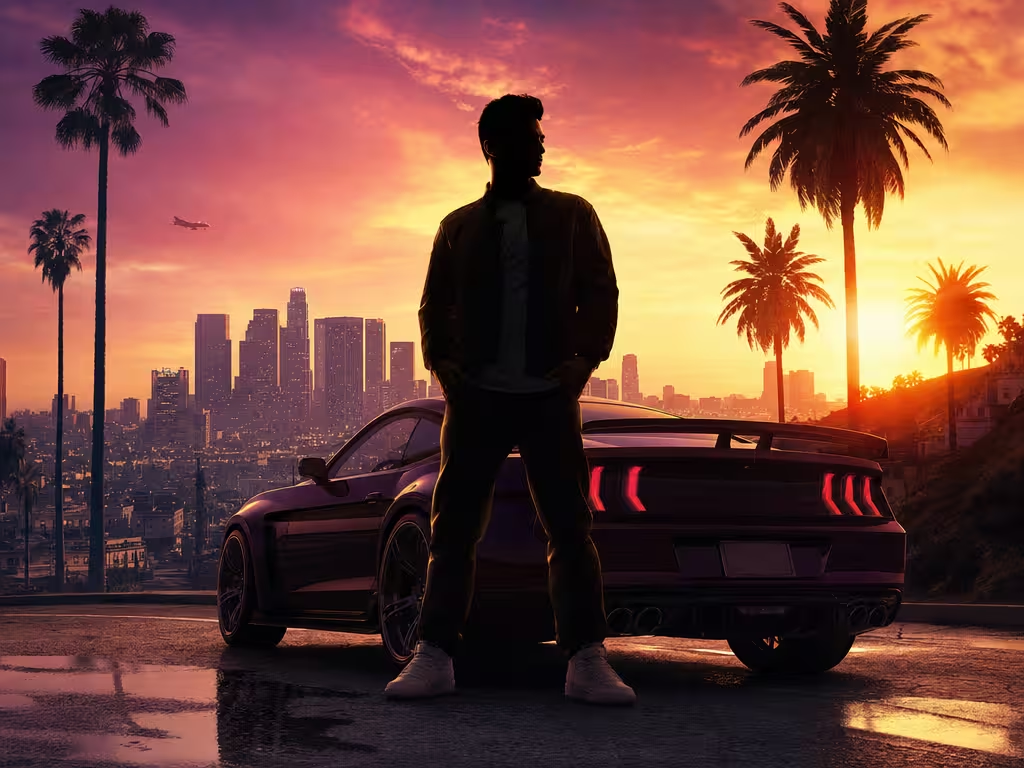
Prompt 4: The High-Stakes Heist Mastermind
Tactical gear, heavy duffel bag, and tension in downtown financial centers:
GTA style loading screen concept art. A sharp-dressed mastermind holding a heavy black duffel bag in an underground concrete bank vault corridor. Wearing a tailored charcoal suit with rolled-up sleeves, tactical gloves, and earpiece. Intense overhead fluorescent lighting mixed with emergency red strobe light reflections. Vector comic art style, clean cell shading, hard graphic shadows, cinematic action framing --ar 16:9 --stylize 280Prompt 5: Pure Graphic Novel Cel-Shaded Headshot
Optimized for social media profile pictures (avatars) with maximum character likeness:
Close-up character avatar portrait in Rockstar Games promotional illustration style. Clean vector line art, distinct inked jawline, subtle half-tone shading dots on skin, saturated warm skin tones. Solid tropical teal background with subtle palm leaf shadow silhouette. Dramatic golden rim lighting on hair and shoulder. High contrast, sharp details, iconic video game menu art style --ar 1:1 --stylize 200Prompt 6: 1980s Retro Vintage Vice City
For purists who adore the nostalgic 1986 pastel aesthetic with vintage film grit:
Vintage 1980s GTA Vice City key art style. A charismatic character wearing a pastel pink linen suit jacket and teal shirt, standing by a speedboat docked at a marina. Sunset sky ablaze with gradient orange and purple colors. Heavy halftone print effect, hand-painted digital illustration feel, retro synthwave mood, bold dark ink contours, classic gaming nostalgia --ar 3:4 --stylize 320Step-by-Step Face Swapping & Likeness Retention
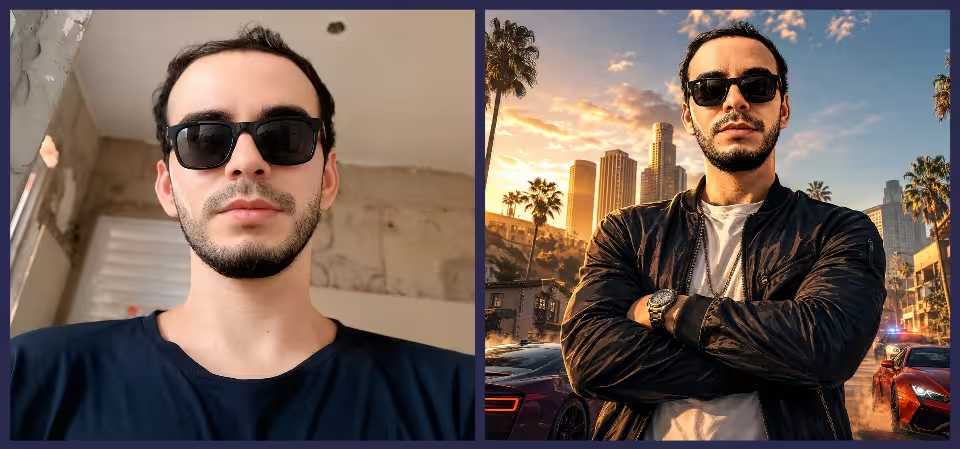
To put yourself into the artwork while keeping your face recognizable, follow this three-step workflow:
- Choose a High-Contrast Reference Photo: Use a portrait photo taken at eye level or slightly from below. Avoid sunglasses, heavy shadows, or filters in your source photo so the AI can capture your genuine facial structure.
- Calibrate Image Weight (Image Weight /
--iw): In Midjourney, use the--iwparameter. Setting--iw 1.5to--iw 2.0forces the model to prioritize your facial geometry, whereas--iw 0.8gives more creative freedom to the painterly style. - Refine Details with Inpainting (Vary Region): If the generated character looks fantastic but the eyes or nose don’t quite match your likeness, use the inpainting brush to select only the face area and re-run with your reference photo.
3 Common Pitfalls to Avoid
Watch out for these common rookie errors that ruin GTA artwork:
| Mistake | Why It Fails | The Easy Fix |
|---|---|---|
| Overusing “Photorealistic” | Turns the artwork into uncanny valley CGI rather than stylized cover illustration. | Replace with “vector illustration, cel-shaded, ink outlines”. |
| Flat Midday Lighting | Removes the dramatic mood that gives GTA art its iconic punch. | Always specify “golden hour sunset” or “neon rim lighting”. |
| Cluttered Backgrounds | Distracts from the central character silhouette. | Keep backgrounds to 2-3 strong motifs (palms, skyline, car). |
Frequently Asked Questions
Can I generate GTA-style images using free AI tools?
Yes. Tools like Microsoft Copilot (Designer), Google ImageFX, and open-source Stable Diffusion checkpoints (like SDXL or Flux.1 Schnell) can generate convincing GTA aesthetics at zero cost using these exact prompt formulas.
Why does the AI keep adding weapons or violent elements?
Because AI models associate the keyword “GTA” with crime and weaponry. If you want a clean portrait suitable for a LinkedIn or Instagram avatar, explicitly specify “holding a coffee cup” or “wearing a business suit, leaning on a sports car” while adding negative prompts for weapons.
Can I use these images commercially?
While artistic styles cannot be copyrighted under current law, you must not use registered trademarks such as official “Rockstar Games” or “Grand Theft Auto” logos on commercial merchandise. Keep your images as original homage artwork.
Unleash Your Inner Outlaw
Creating custom video game artwork with generative AI is one of the most rewarding creative experiments you can run today. With the right combination of cel-shading prompts, warm sunset palettes, and character staging, you can step right into the world of Vice City before the game even launches. Which scene are you going to generate first—Ocean Drive or the Everglades? Drop your prompt results in the comments below!