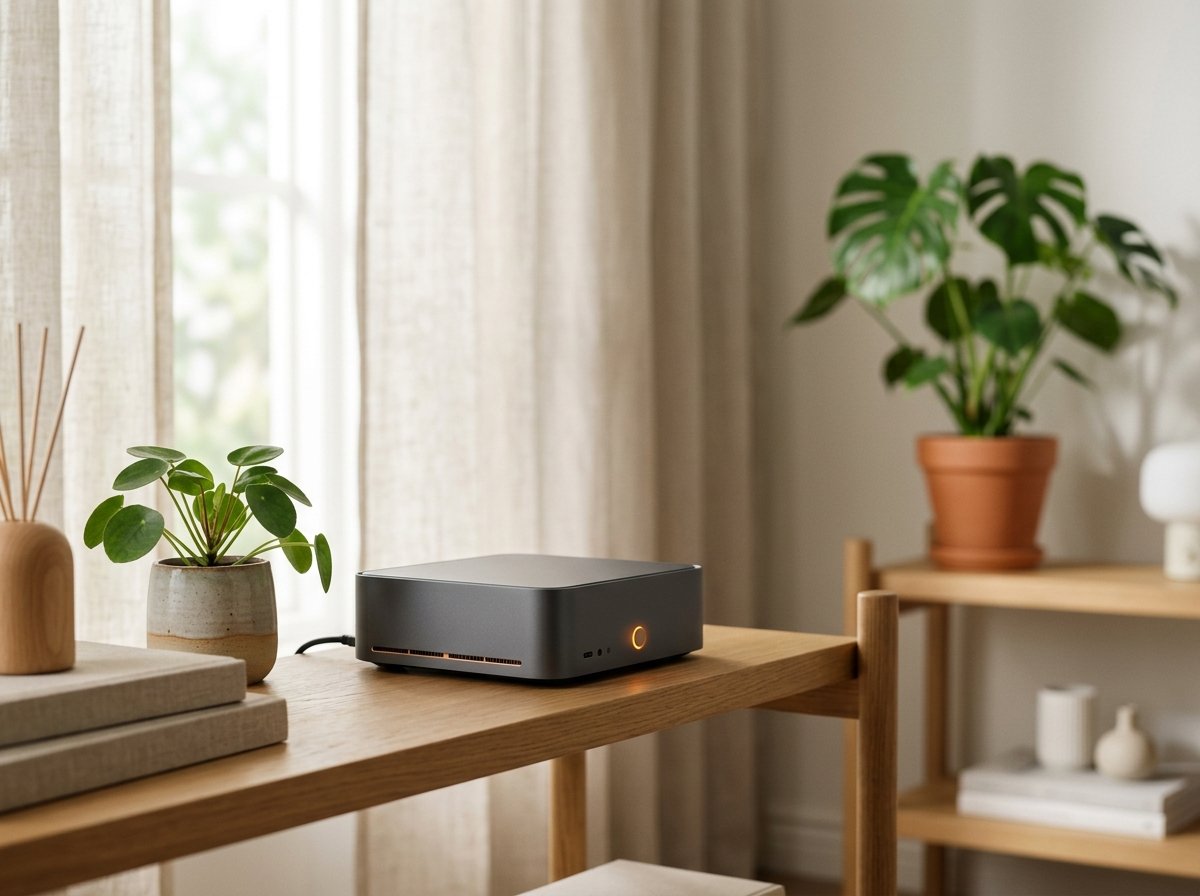
Deploying a dedicated mini PC for AI as an always-on home server has emerged as the definitive solution for developers and tech enthusiasts seeking digital sovereignty without acoustic clutter. Keeping a power-hungry gaming tower humming all night with a 750W power supply and noisy fans just to run scheduled background agents is both financially reckless and practically frustrating.
Between skyrocketing cloud API billing and the desire to safeguard confidential personal records on local hardware, a compelling sweet spot has materialized in modern silicon. Compact desktop computers the size of a paperback book now boast sufficient compute density and unified memory bandwidth to host open-weights models, automation queues, and proactive digital teammates around the clock.
In this technical guide, you will discover how to evaluate processor architectures, calculate real-world kilowatt-hour operating expenses, and deploy an enterprise-grade local intelligence hub with minimal friction. If you previously explored our deep-dive on VRAM requirements for local AI models, you understand that memory throughput dictates everyday responsiveness.
⚡ Quick Selection: Top Developer-Approved AI Mini PCs
Beelink SER5 / Minisforum (AMD Ryzen 7 + 32GB RAM)
Beelink Mini S12 Pro (Intel N100 + 16GB RAM)
Why Choose a Dedicated Mini PC for AI Home Infrastructure
For years, hobbyists turned reflexively to single-board Raspberry Pi computers for self-hosted home automation. While brilliant for DNS sinks and lightweight telemetry, credit-card computers suffer catastrophic memory bus saturation and insufficient floating-point throughput when subjected to token inference from modern neural architectures.
Conversely, keeping an overclocked primary desktop workstation powered on 24 hours a day inflicts unnecessary component degradation while drawing 80W to 140W in idle state alone.
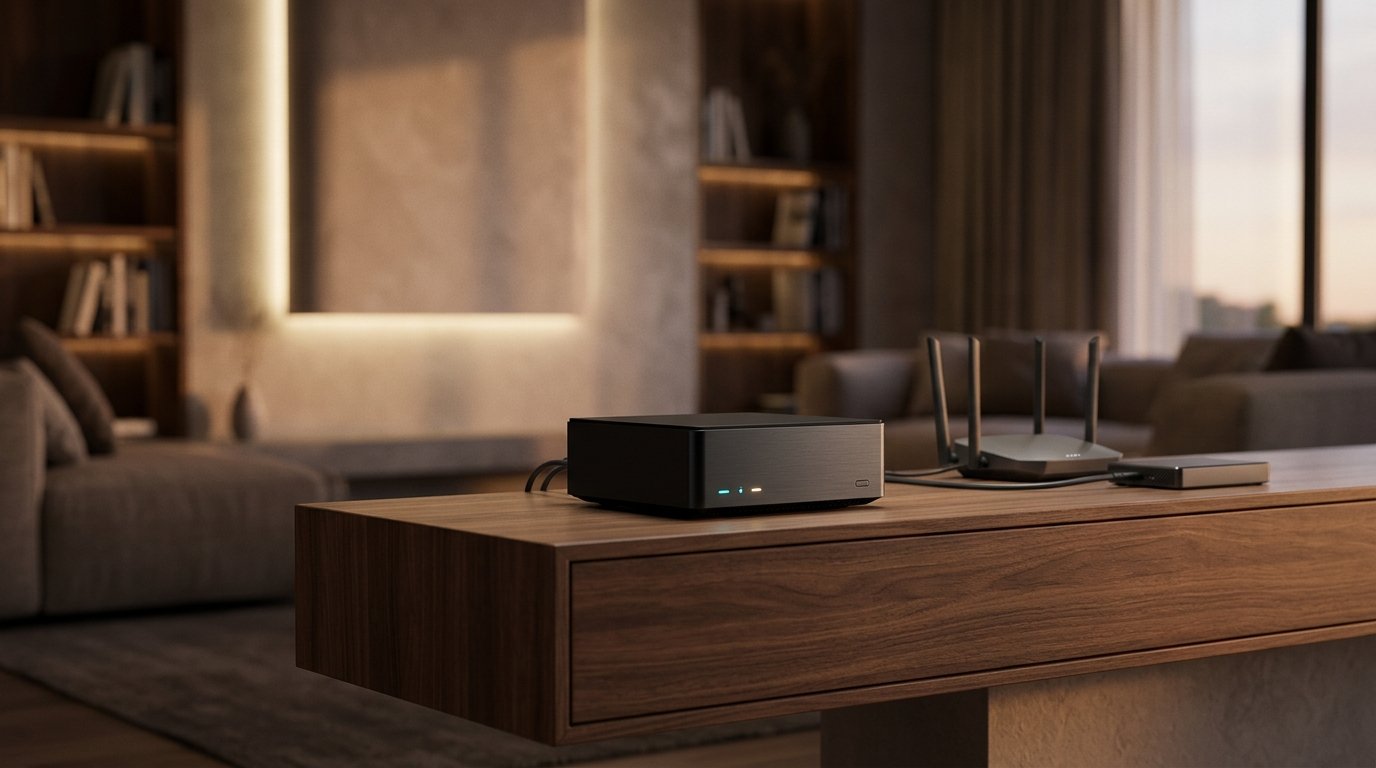
This is where mobile-derived APUs (specifically AMD Ryzen 5000/7000 and Intel Alder Lake-N architectures) conquer the home server niche. They deliver desktop-grade multi-threaded performance, high-speed NVMe PCIe channels, and dual-channel DDR4 or DDR5 memory expansion while emitting virtually zero acoustic resonance in a living space.
Running local language models in this form factor unlocks private agents that autonomously triage incoming messages, digest PDFs, and execute terminal workflows—paralleling concepts covered in our analysis of autonomous Computer Use agents.
Decoding the NPU: Dedicated Neural Silicon for Background Tasks
In recent processor families like AMD Ryzen AI and Intel Core Ultra, silicon engineers introduced a specialized coprocessor alongside the traditional cores: the NPU (Neural Processing Unit).
While the CPU balances concurrent operating system threads and the GPU excels at rasterizing dense graphics, an NPU specializes purely in low-precision matrix multiplication (INT8 and FP16 tensors)—the foundational arithmetic governing neural network weight lookups.
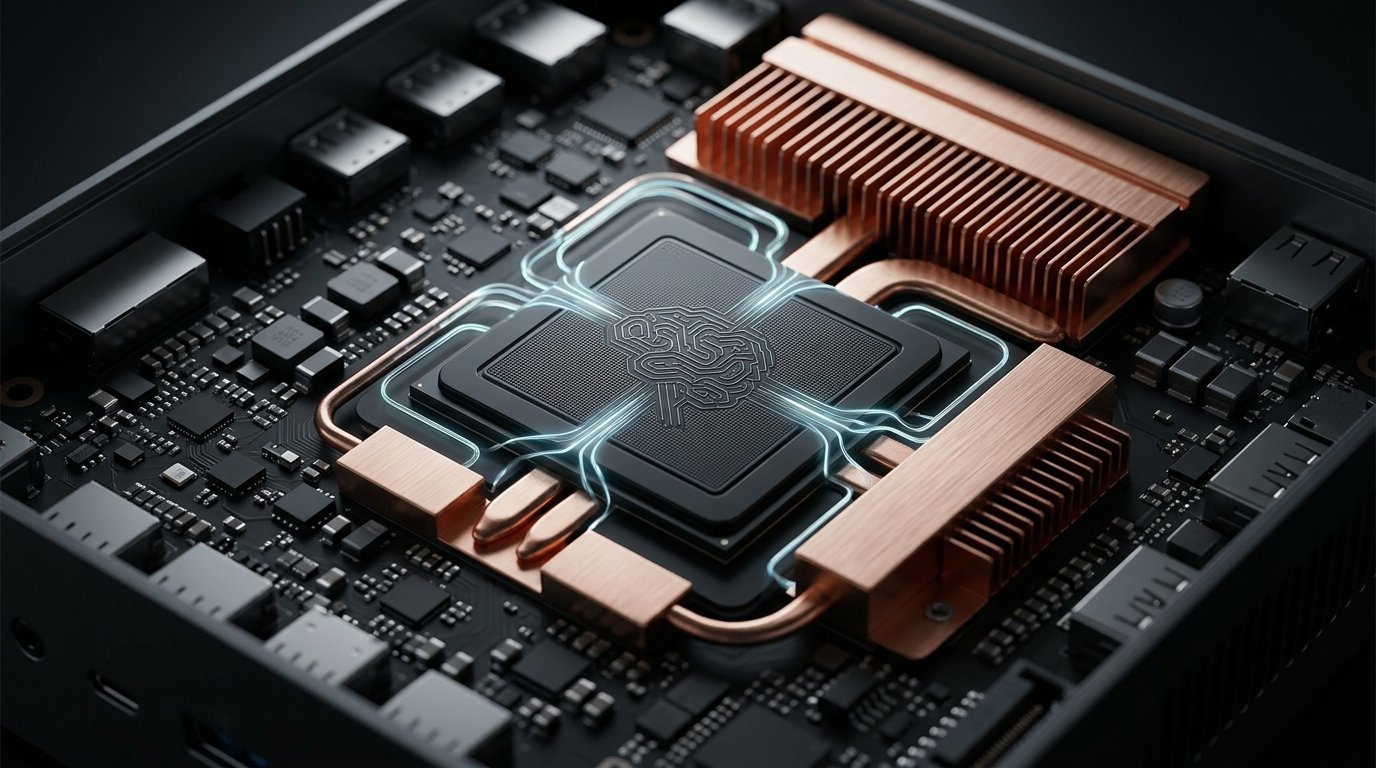
In practical day-to-day hosting, this architectural refinement allows continuous background tasks—such as Whisper audio transcription, object detection on security feeds, and semantic vector indexing—to run continuously at 3W to 5W of power draw without spinning up the main cooling fans or heating up your room.
The real triumph of decentralized home intelligence is not breaking benchmark speed records, but keeping capable, sovereign agents vigilant on your desk using less electricity than an ambient reading lamp.
Hardware Architecture & Local Compute
Energy Efficiency Audit: Real-World Electric Bill Comparisons
Leaving computational hardware operational 24 hours a day, 7 days a week compounds electrical costs quickly. To demonstrate the stark operational reality, consider this baseline comparison calculated against standard residential utility tariffs:
| Hardware Setup | Average Draw (W) | Monthly Usage (kWh) | Estimated Annual Cost | Acoustic Profile |
|---|---|---|---|---|
| Full Tower Rig (RTX 4070 / 750W PSU) | 140W to 220W | 100 to 158 kWh | $180 to $285 / yr | Audible fan hum |
| Performance Mini PC (Ryzen 7 / 32GB) | 18W to 35W | 13 to 25 kWh | $24 to $45 / yr | Whisper-quiet |
| Ultra-Low Power Mini (Intel N100 / 16GB) | 6W to 12W | 4.3 to 8.6 kWh | $8 to $16 / yr | Virtually silent |
The economic ledger is undeniable: the power savings achieved by retiring a full tower from continuous background duties can offset the entire hardware purchase of a dedicated mini server in under a year, all while eliminating thermal buildup in your living space.
Duo Hardware Showcase: The Definitive 2026 Home Server Picks
Applying rigorous vetting standards across memory expandability, heat dissipation, and price-to-performance equilibrium, we isolated the two leading configurations currently dominating developer battlestations:
Beelink SER5 / Minisforum AMD Ryzen 7
- Silicon: AMD Ryzen 7 5800H / 5700U (8 Cores / 16 Threads up to 4.4 GHz)
- Memory: 32GB DDR4 dual-channel (expandable up to 64GB)
- Storage: 1TB PCIe M.2 NVMe SSD + 2.5″ SATA expansion bay
- Network: Wi-Fi 6, Bluetooth 5.2, Gigabit Ethernet, triple 4K output
Beelink Mini S12 Pro Intel N100
- Silicon: Intel 12th-Gen Alder Lake-N N100 (4 Cores / 4 Threads up to 3.4 GHz)
- Memory: 16GB high-efficiency DDR4 RAM
- Storage: 500GB M.2 NVMe SSD
- Energy Metric: 6W idle to 15W peak load (sub-$15 annual power cost)
Step-by-Step Setup: Building Your Autonomous Hub in 30 Minutes
Configuring a self-hosted intelligence node requires no complex Linux terminal wizardry. Follow this structured deployment roadmap to get up and running smoothly:
1. Base Operating System Selection:
While consumer units ship with Windows 11 Pro, maximum thermal efficiency and uptime stability are achieved via Ubuntu Server 24.04 LTS or a modular browser dashboard like CasaOS, granting full container management directly from your phone.
2. One-Line Ollama Engine Deployment:
Ollama has become the undisputed standard for serving quantized weights locally with hardware acceleration. Execute the official installer in your server console:
curl -fsSL https://ollama.com/install.sh | sh3. Loading Optimized Quantized Weights:
Once the system daemon starts, download your desired open model. For the 32GB Ryzen 7 configuration, Meta’s Llama 3.1 8B delivers an exceptional balance of reasoning and memory efficiency:
ollama run llama3.1:8bIf you opted for the ultra-efficient Intel N100 build, pull the lightweight Llama 3.2 3B, which initializes in seconds and requires under 2.5GB of RAM footprint:
ollama run llama3.2:3b4. Integrating Pipelines and Webhooks:
With Ollama listening on local port 11434, you can bridge your models to open-source UI frontends like Open WebUI, or route automated business logic through local n8n nodes. For foundational automation architecture, explore our walkthrough on building free AI automations.
Common Myths vs. Engineering Reality in Compact AI Hardware
Before investing, review the practical realities confirmed by computer engineering benchmarks:
| Prevalent Myth | Engineering Fact |
|---|---|
| “Mini PCs overheat and fail when operated 24/7.” | Myth: Engineered around 15W-35W mobile silicon and copper vapor pipes, they sustain safe operating ranges (45°C to 65°C) indefinitely. |
| “You cannot run modern LLMs without a dedicated GPU.” | Myth: GGUF quantized weights run with remarkable efficiency across unified system RAM, delivering real-time reading speeds on fast CPUs. |
| “Mini computers can train massive frontier models from scratch.” | Myth: Compact nodes are purpose-built for inference, agent tasks, and lightweight LoRA fine-tuning, not multi-GPU datacenter pretraining. |
Frequently Asked Questions
How much electricity does an always-on mini PC for AI typically consume? Ultra-efficient platforms powered by chips like the Intel N100 consume between 6W and 12W, adding less than $1.20 monthly to your electric utility bill. Higher-tier AMD Ryzen 7 units draw 18W to 35W under typical inference tasks, totaling roughly $2 to $3.50 per month.
How much RAM is required to run local models without lag? A baseline of 16GB RAM is recommended for responsive 3B and 7B quantized models. If your roadmap involves multi-agent workflows, long context retrieval, or 8B to 14B models, 32GB of dual-channel memory represents the undisputed sweet spot.
Can I safely access my home server outside my local Wi-Fi? Absolutely. By using encrypted mesh VPN overlays such as Tailscale or Cloudflare Tunnels, you can interact with your private language models from your laptop or phone anywhere in the world without exposing open ports on your home router.
Is buying a prebuilt mini PC better than assembling a custom ITX rig? For low-power 24/7 server duties, established prebuilt mini PCs (from brands like Beelink or Minisforum) are significantly more cost-effective, arriving fully integrated with compact power supplies, motherboard headers, and passive-assisted cooling loops.
Join the conversation below!
Have you considered hosting your own private intelligence node at home, or are you still relying solely on cloud subscriptions? Share your favorite setup or questions in the comments below! 👇