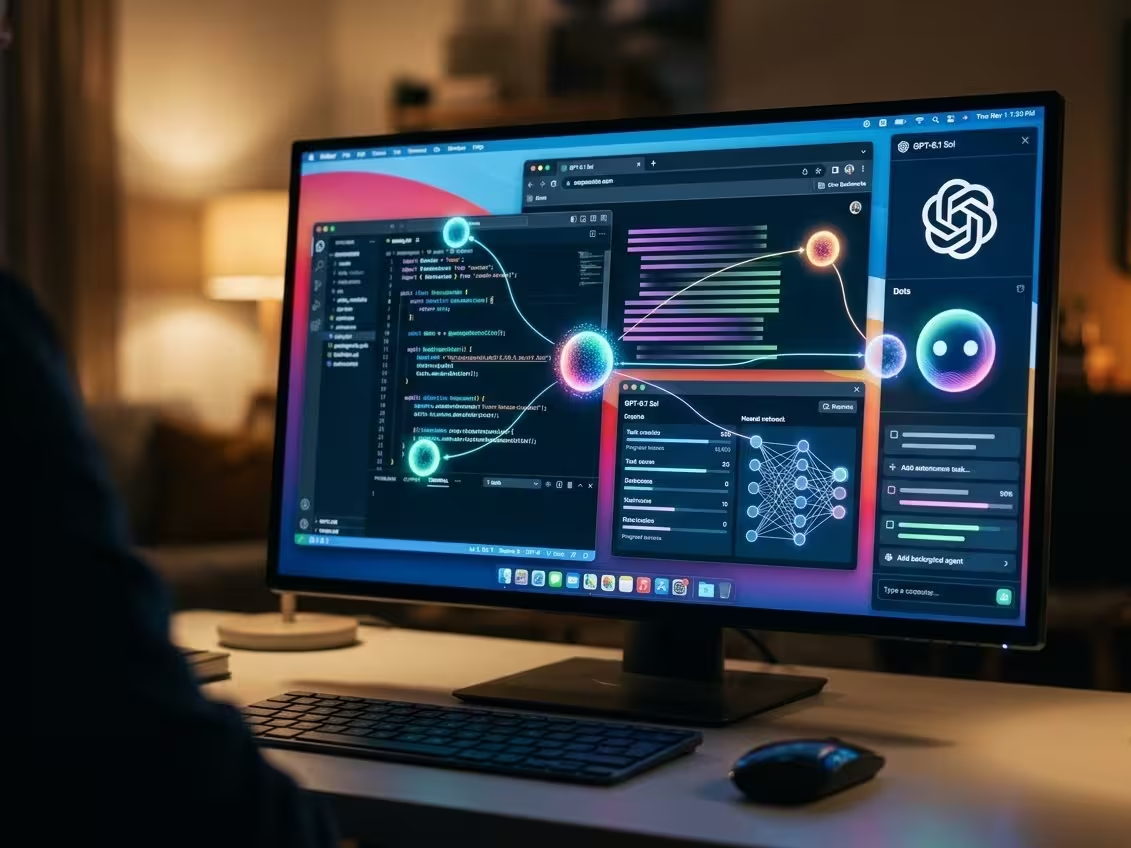
For nearly four years, our relationship with artificial intelligence followed an almost ritualistic routine: open a new browser tab, stare at an empty chat box, carefully craft a prompt, wait for the blinking cursor, and manually copy-paste the output into Word, Excel, or Slack. No matter how advanced frontier models became, a stubborn reality remained: humans were still acting as manual data couriers between the chatbot and the rest of our computers. With the official debut of OpenAI Dots and GPT-6.1 Sol, that era of static conversational chat boxes has officially come to an end.
This milestone signals the definitive transition from reactive query-and-response chatbots to persistent, always-on autonomous agents. These systems operate quietly in the background of your operating system, monitoring workflows, bridging disconnected tools, and completing multi-step operations without requiring a fresh prompt every five minutes. If our early experience with AI felt like dialing a remote helpline, the promise of OpenAI Dots and GPT-6.1 is having a capable digital colleague sitting at the desk next to you, anticipating bottlenecks and organizing raw data before you even think to ask.
Crucially, this leap does not occur in a vacuum. It is powered by an entirely new inference engine—the lightweight GPT-6.1 Sol model—specifically architected to balance complex reasoning, lightning execution, and sustainable token economics for continuous desktop tasks. Below, we break down what the new Dots assistant actually does, how Sol enables background autonomy, and the non-negotiable security guardrails you must establish before turning it loose on your machine.
What Is OpenAI Dots: The Dawn of Always-On Desktop Agents
Informally dubbed during internal research sprints and now introduced to the broader ecosystem, Dots is not another standalone application cluttering your taskbar. Instead, it operates as a persistent agent runtime. The phrase always-on means exactly what it implies: an assistant that does not vanish the second you close a browser tab. It remains embedded in your local computing environment, observing system events, incoming notifications, inbox streams, and synchronized file directories.
The core objective of OpenAI Dots and GPT-6.1 is dismantling episodic interaction. In legacy chat setups, AI suffered from convenient amnesia: every session was a lonely silo. If an accounting department emailed you a batch of PDF receipts, you had to manually download them, upload them to a chat window, request a JSON breakdown, and manually copy the numbers into a ledger. With a persistent agent, Dots detects the arrival of the email attachment, cross-references internal spreadsheets, and stages the pre-filled ledger entry in draft mode, awaiting nothing more than your single confirmation tap.
As we explored in our deep-dive on OpenAI DevDay and the transformation of ChatGPT into an operating system, the long-term vision of top tech labs was never merely winning trivia benchmarks. It was building the new operating layer connecting humans, data, and software. If you are new to these underlying concepts, revisit our primer on what artificial intelligence actually is.

The Engine Behind Autonomy: Demystifying GPT-6.1 Sol
Keeping an intelligent agent continuously awake—monitoring desktop windows, parsing live system events, and synthesizing code—is an extraordinarily expensive computational undertaking. If OpenAI deployed their most massive frontier reasoning architectures for every mundane file read, the server overhead and energy consumption would be financially prohibitive for both developers and enterprise subscribers.
This is where GPT-6.1 Sol enters the equation. Positioned strategically beneath frontier research giants, Sol was honed through rigorous knowledge distillation and specialized weight pruning. The result is a model tailored for rapid inferencing, high-fidelity code generation, and low-latency file manipulation, all while keeping token burn remarkably low.
In practice, Sol serves as the central nervous system for OpenAI Dots and GPT-6.1. It doesn’t need to write Shakespearean prose; its job is converting ambiguous human directives into flawless API calls, terminal scripts, spreadsheet formulas, and local database queries. As highlighted by analyses from the MIT Technology Review, the definitive competitive battleground of modern AI has shifted from sheer parameter size to computational efficiency per watt consumed.

How OpenAI Dots and GPT-6.1 Operate in Daily Workflows
To an outside observer, watching an always-on agent coordinate multi-application tasks looks like digital sleight of hand. Beneath the surface, however, the system relies on three tightly coupled architectural layers designed to prevent runaway executions:
1. Passive Context Awareness Layer: The agent maintains a lightweight, local semantic index of your active workstation. If you have VS Code running, a client brief open in Google Docs, and a project thread active in Slack, the system understands the overall context without forcing you to re-explain the project background from scratch.
2. Planning & Reasoning Layer (Sol Engine): Whenever an event or manual instruction occurs, GPT-6.1 Sol decomposes the high-level objective into atomic, executable steps. Rather than guessing an answer in one massive shot, it creates a structured directed graph of tasks: open file, isolate tables, validate checksums, and generate summaries.
3. Guardrails & Human-in-the-Loop Layer: To eliminate costly workplace accidents, destructive actions—such as deleting repository branches, broadcasting emails to client distributions, or committing database migrations—trigger an unobtrusive authorization card on your desktop. The agent prepares the execution pipeline, but the ultimate authority remains in human hands, aligning with best practices seen in practical automation workflows.
Here is an authentic example of a background directive designed to run seamlessly via Dots without requiring babysitting:
Monitor the directory "Downloads/Monthly_Financials".
Whenever a new CSV report is added:
1. Verify structural consistency across revenue and expense headers.
2. Flag line-item variances greater than 15% against the prior rolling period.
3. Draft a concise Markdown summary and save it to my Notes inbox for final approval.
This class of automation converts your PC into a proactive operations hub. While you are in a client workshop or enjoying lunch away from your desk, OpenAI Dots and GPT-6.1 ensures tedious data reconciliation marches forward without skipping a beat.
The Security Trade-Off: Permissions, Telemetry, and Privacy
Enthusiasm surrounding always-on autonomy must be tempered with rigorous security vigilance. Welcoming an autonomous agent into the core of your operating system creates clear privacy and corporate governance considerations that cannot be ignored.
The immediate concern is access scope. For OpenAI Dots and GPT-6.1 to fulfill its potential, it requests permissions covering local file directories, screen capture hooks, and network sockets. Continuous context tracking means sensitive corporate documents, intellectual property, and internal correspondence traverse active analytical pipelines throughout the day.
A second vulnerability involves indirect prompt injection. If an agent has clearance to scan inbound inbox streams and execute associated tasks, an attacker could craft an email containing hidden typographic instructions designed to trick the agent into exfiltrating local documents or wiping directories. Setting strict sandboxes—limiting which local folders Dots can read and execute—is vital for safeguarding institutional security.
Frequently Asked Questions About OpenAI Dots and GPT-6.1
Will OpenAI Dots replace the web version of ChatGPT?
Not in the near term. The traditional web interface remains the go-to destination for quick research questions, creative brainstorming, and spontaneous queries. Dots is positioned as an enterprise and professional productivity tool built for deep operating system orchestration and complex asynchronous work.
Does GPT-6.1 Sol drain laptop battery life and system RAM?
No. Heavy tensor calculations and neural inferences still occur primarily on remote cloud servers. What runs on your machine is a lightweight local daemon responsible for capturing system events, packaging compressed API calls, and awaiting authorized executions, leaving battery performance virtually unaffected.
Is it safe to allow Dots full access to my personal computer?
The safest approach is strict sandboxing. Configure dedicated work folders where the agent possesses read-and-write clearance, while keeping sensitive directories—such as tax returns, private media, password managers, and personal archives—entirely isolated from the agent’s scan perimeter.
The Future Belongs to Those Who Delegate with Control
We are watching the emergence of an entirely new paradigm in human-computer collaboration. The traditional image of an analyst spending six hours toggling between spreadsheet windows to manually verify numbers is becoming as antiquated as the office fax machine. With OpenAI Dots and GPT-6.1, cognitive work shifts from manual execution to strategic orchestration.
Thriving in this new environment does not mean fearing artificial intelligence, nor does it mean surrendering control without oversight. Those who master the skill of establishing clean boundaries, designing crisp operational prompts, and auditing results will achieve a level of productivity unimaginable in the copy-paste era. The next chapter of desktop software has arrived—and it works quietly in the background.
Let’s Discuss!
Would you trust an AI agent to organize your files and automate tasks in the background? What repetitive daily chore would you delegate to Dots right now? Join the conversation in the comments below! 👇