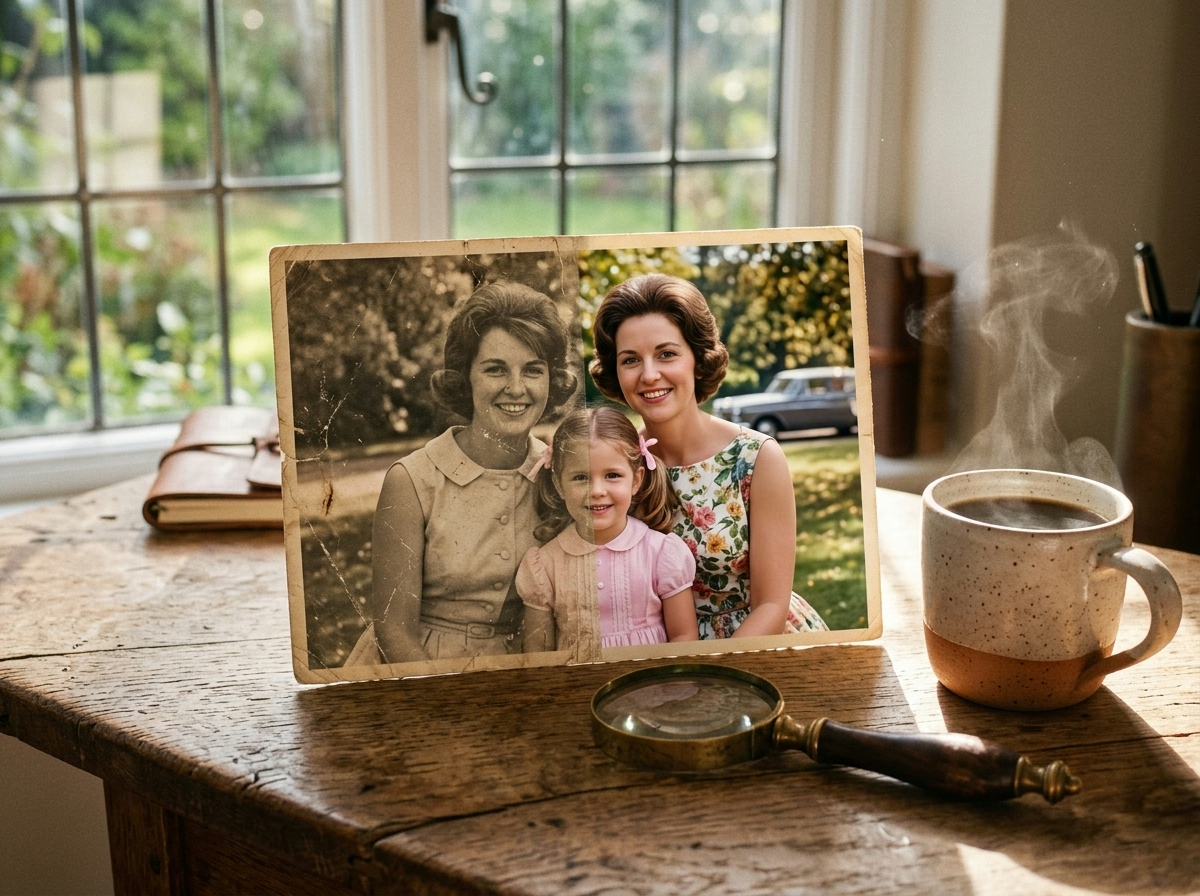
Open the top closet shelf in your parents’ or grandparents’ home, and you will almost certainly stumble across a weathered shoebox tucked away behind old winter coats. Inside rests a kind of irreplaceable treasure that no modern social network could ever engineer: your great-grandparents’ 1958 wedding portrait, your mother’s first birthday photographed on grainy silver-halide film, and that unforgettable road trip where everyone leaned out the car windows under a gentle, sun-bleached sky. But physical time is unforgiving to cellulose paper: decades of humidity spawn yellowed mold spots, handling creases fracture faces, dust grains leave white scars, and sunlight gradually drains the spark from the eyes of people who are no longer with us. The good news is that you no longer need to spend hundreds of dollars at boutique archival studios or wrestle with convoluted desktop editors: learning how to restore old photos with AI has become an intuitive, rapid, and deeply moving ritual for anyone with a smartphone.
Modern artificial intelligence applied to historical image restoration bears zero resemblance to cheap mobile beauty filters that merely crank up artificial contrast and blast plastic smoothing across skin. When you set out to restore old photos with AI, what today’s computer vision architectures perform is genuine visual archaeology: neural models map out surviving geometric facial contours, eliminate physical cracks and tears, reconstruct microscopic skin pores, and infer historically grounded pigments informed by mid-century ambient light and period chemistry. It is a heartfelt journey through personal time that converts dusty family prints into vibrant, lifelike keepsakes ready for framed wall prints or immediate sharing in the family chat.
Phase 1: How to Digitize Fragile Prints Without Flash Glare
Before you begin to restore old photos with AI using your favorite vision chatbot or dedicated upscaler, remember the golden rule honored by museum conservators worldwide: artificial intelligence can only reconstruct what it can clearly see. If you snap a casual photo of an old glossy print with an overhead ceiling bulb bouncing harsh white glare directly across your grandfather’s cheek, the neural net interprets that bleached hotspot as authentic skin texture and attempts to “restore” a blinding white smudge.
You do not need an industrial flatbed scanner to secure pristine digital files. Using your existing smartphone camera, simply follow these four practical capture rules:
- Embrace Indirect Natural Daylight: Rest the photograph flat on a clean table positioned near an open window during daytime hours, staying clear of direct sunbeams. Soft morning or late afternoon light diffuses harsh shadows and prevents specular highlights on glossy paper coatings.
- Use Google PhotoScan: This free utility for iOS and Android employs an ingenious multi-angle algorithm: you position your phone camera over four targeting circles, and the software automatically blends the four captures into a single perspective, eliminating 100% of surface glare and optical curl.
- Keep Your Camera Lens Strictly Parallel: Hold your device at an exact 90-degree downward angle directly above the print. Tilting your phone introduces trapezoidal perspective distortion that compresses foreheads or distorts facial symmetry before restoration even begins.
- Wipe the Lens and Turn Off Beauty Filters: Clean your smartphone glass with a microfiber cloth and disable automatic camera HDR or native skin-smoothing modes. Your goal is the cleanest, rawest capture of the print’s authentic physical state.
💡 Pro-Tip for Large Family Archives and Keepsakes: If you enjoy exploring creative visual aesthetics beyond restoration, check out our guide on recreating photos with cinema styles and AI.
If you inherited full boxes of wedding albums, fragile postcards, and tintypes, manual phone capture can be time-consuming. A dedicated high-resolution photo flatbed scanner on Amazon captures uncompressed 1200 DPI archival scans in seconds. Once your photos are restored and colorized with AI, one of the most touching gifts you can give older relatives is loading the complete collection onto a smart Wi-Fi digital picture frame to illuminate their living room with crystal-clear memories.
5 Super-Prompts to Restore Old Photos with AI (ChatGPT Vision)
While specialized desktop software exists for heavy workloads, most people want the immediacy of launching ChatGPT on their mobile phone or laptop, attaching the digitized photo, and receiving a stunning restoration within seconds. Thanks to multimodal image generation and vision fine-tuning, ChatGPT has evolved into a remarkably capable tool to restore old photos with AI—provided you steer it with precise documentary terminology rather than generic prompts.
The single biggest mistake is typing vague requests like “Fix this photo and make it look pretty.” The neural net requires forensic instructions that establish historical boundaries. Here are the 5 battle-tested prompts engineered for the most frequent family photo conditions:
Prompt 1 — Conservative Documentary Restoration (Anti-Wax Filter)
If you want to restore old photos with AI that suffer from moderate surface wear, light scratches, and mild contrast fading, this prompt preserves original facial identity without artificial airbrushing:
Restore this antique photograph with strict archival and documentary fidelity to the original print.

Carefully clean minor physical scratches, dust specks, light paper creases, and age-induced silver fading. Gently optimize natural contrast, sharpening eye reflections, hairlines, and jawline contours with extreme restraint while preserving original skin texture, micro-pores, and natural age lines.

STRICT NEGATIVES: Do NOT apply heavy skin-smoothing filters, do NOT add modern plastic digital gloss, do NOT reshape facial bone structure, do NOT modernize vintage clothing or hairstyles, and do NOT fabricate imaginary background objects. The final image must look like a pristinely preserved vintage analog darkroom photograph.
Prompt 2 — Deep Fold, Tear, and Mildew Inpainting
When working to restore old photos with AI affected by deep wallet creases, paper cracks, and dark moisture or mildew stains, use this structural inpainting directive:
Act as a master museum archival conservator. Inspect this damaged photograph and systematically reconstruct ONLY the physical regions impacted by paper cracks, deep wallet creases, tears, and environmental moisture or mildew stains.

Sample surrounding authentic grain patterns to interpolate missing gaps with anatomically and architecturally coherent detail. Keep all undamaged portions 100% untouched. Maintain the original framing, focal length, natural lighting, and facial geometry of every subject. Preserve the subtle fibrous texture of classic photographic paper stock.
Prompt 3 — Ceremonial Portraits (Reviving Bridal Lace and Fine Textiles)
Vintage wedding, baptism, and graduation portraits boast intricate lace veils, tailored wool suits, and embroidery that often blend into an overexposed flat white mass:
Restore this antique ceremonial portrait with prioritized focus on recovering delicate textile detail.

Re-articulate the depth, weave, and embroidery across clothing (such as bridal lace patterns, fabric folds, lapel stitching, and cuff buttons), regaining optical dimensionality lost to flash overexposure. Preserve authentic historical hairstyles, cosmetics, and jewelry styling of the era. Maintain original facial expressions and likeness with zero synthetic alterations.
Prompt 4 — Multi-Subject Group Gatherings (Generational Consistency)
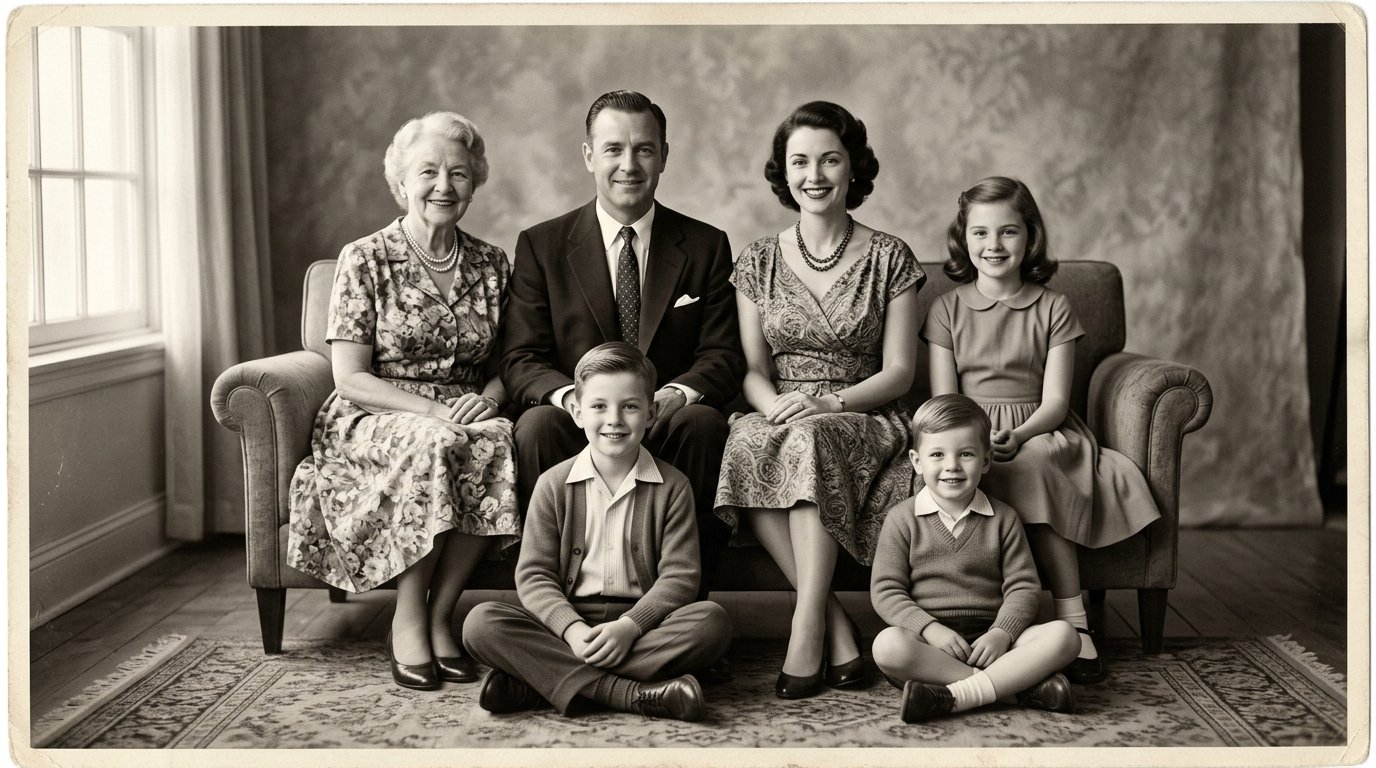
In wide group portraits—such as a holiday gathering with ten or fifteen family members—AI models often mangle faces standing in the rear row. This command prevents distortion:
Restore this multi-generational family group photograph while maintaining equal documentary rigor across every individual.

Harmoniously balance focal clarity between foreground figures and relatives standing in the background. Do NOT invent new facial features for distant subjects: gently remove dust specks, reduce optical blur, and restore organic facial contrast. Preserve authentic relative ages, bodily proportions, and candid interactions across the entire group.
Prompt 5 — The 3-Step Iterative Dialogue Method
If you dump an image and a complex multi-paragraph prompt all at once, conversational models can occasionally rush into contradictory adjustments. The highest fidelity when you restore old photos with AI emerges from an iterative 3-step conversation:
Step 1 — Visual Assessment: Upload the picture alone and type: “Inspect this historical photograph. Estimate the probable decade, identify specific structural damage (cracks, fading, mildew), and list necessary corrective stages before rendering any image.” This engages the model’s observational vision modules.
Step 2 — Surgical Correction: Once the model responds with its breakdown, submit the targeted prompt matching the diagnosed condition.
Step 3 — Fine-Tuning Likeness: If the generated output is clean but skin appears overly polished, reply with an immediate calibration directive: “Excellent cleanup, but the skin looks too smooth. Reduce digital smoothing by 40%, reintroduce subtle film grain, and restore natural expression lines around the eyes.”
Historical Colorization: Breathing Life into Black-and-White Memories
Colorization is another extraordinary technique to restore old photos with AI. Watching a monochromatic portrait blossom into vibrant color is one of the most mesmerizing experiences modern technology can offer. In an instant, that solemn great-grandfather who previously existed only in stark gray tones feels warm and present: you discover his woolen jacket was rich espresso brown, your grandmother had hazel eyes, and her bridal bouquet carried subtle ivory gardenias.
However, amateur colorization frequently falls victim to hyper-saturated, garish tones that turn historical moments into cartoons. During the mid-20th century, legendary color film stocks like Kodachrome produced warm, earthy, and sophisticated palettes with organic shadow roll-offs.
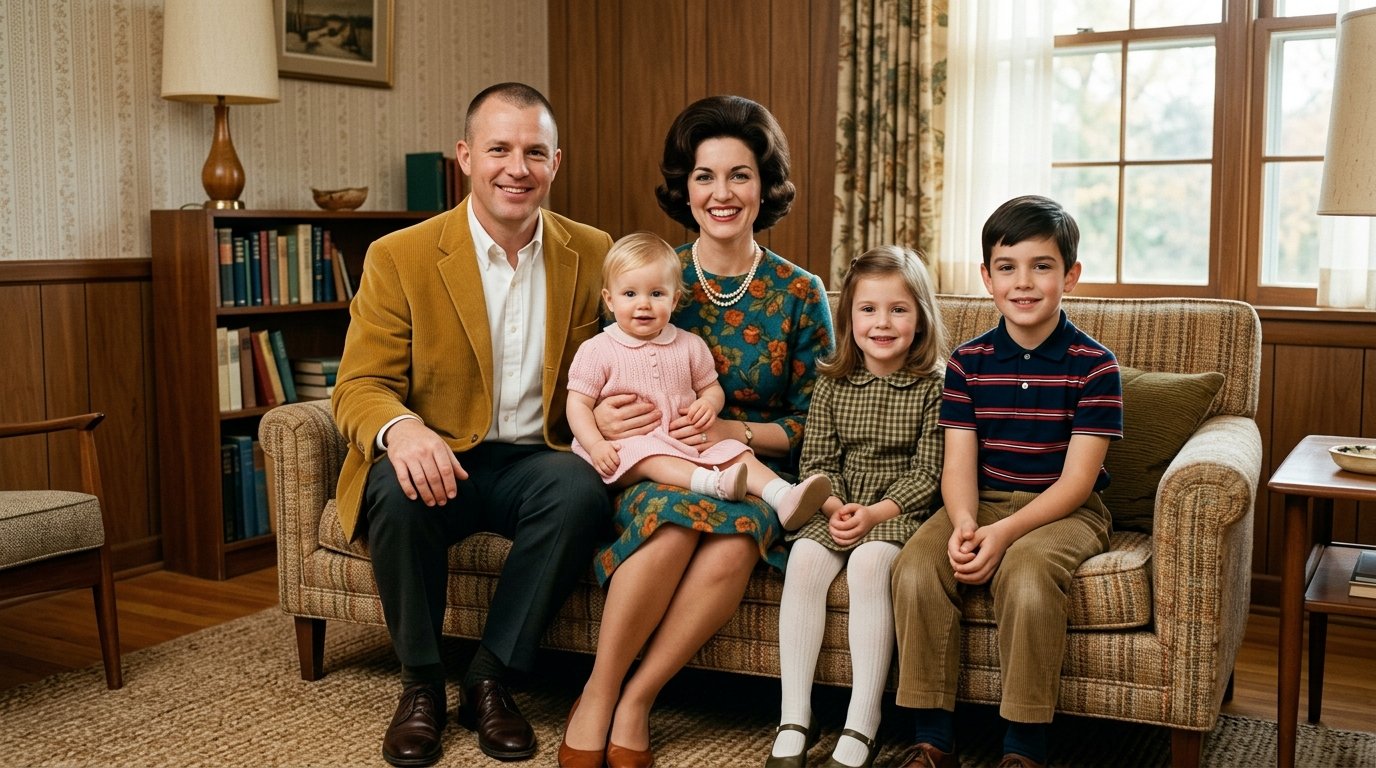
To produce results that look like authentic analog Kodachrome prints rather than computerized overlays, use this prompt:
Colorize this historical black-and-white photograph based on realistic mid-century period evidence.

Employ a vintage analog color palette inspired by classic Kodachrome film: warm amber highlights, muted earthy undertones, soft olive greens, and lifelike skin tones. Avoid neon saturation or modern digital grading.

Lighting must respect the existing shadow density and highlight fall-off of the scene. Do NOT alter sharpness, focal framing, or facial features: introduce color with subtle, respectful period authenticity.
Open-Source Specialized Powerhouses: When Chatbots Reach Their Limit
While conversational assistants are stellar to quickly restore old photos with AI for family sharing, what happens when a face is severely out of focus, or you plan to print a large 24×36-inch canvas for the family gallery? In these demanding situations, specialized open-source computer vision models deliver unmatched precision:
1. CodeFormer: The Gold Standard in Facial Reconstruction
Hosted completely free on Hugging Face (CodeFormer), this vision transformer model was engineered by academic researchers specifically to address corrupted real-world faces. Rather than blurring surrounding pixels to mask noise, CodeFormer relies on learned facial priors to reconstruct realistic corneas, natural teeth spacing, and individual eyelashes.
The CodeFormer Pro Secret: The interface provides a critical slider called Fidelity Weight ranging from 0 to 1. The default setting (0.5) can occasionally generate features that look slightly too generic. Nudge this slider up to 0.7 or 0.8: this commands the neural net to prioritize the original facial likeness, ensuring your relative looks unmistakably like themselves.
2. Upscayl: Desktop Super-Resolution for Large Wall Prints
Many vintage snapshots are passport-sized or tiny 2×3-inch contact prints. Sending a low-resolution file directly to a photo lab produces blurry pixelation. Upscayl is a free, open-source desktop application for Windows, macOS, and Linux that runs deep-learning upscalers directly on your computer’s GPU.
It magnifies photos by 4x, 8x, or 16x without edge blurring, calculating missing high-frequency details to synthesize sharp fabric weaves and hair strands with stunning clarity.
The Ethics of Archival Memory: Preserving Identity Over Artificial Perfection
There is a subtle trap that many creators stumble into when learning how to restore old photos with AI: the temptation to chase synthetic perfection. Much like our framework for generating professional LinkedIn headshots with AI, authentic facial symmetry and natural micro-textures must always take precedence over plastic digital smoothing. If we crank up sharpening to maximum and ask models to beautify a portrait, we risk wiping away the earned laugh lines around a grandmother’s eyes or erasing the childhood scar that defined a grandfather’s trademark smile.
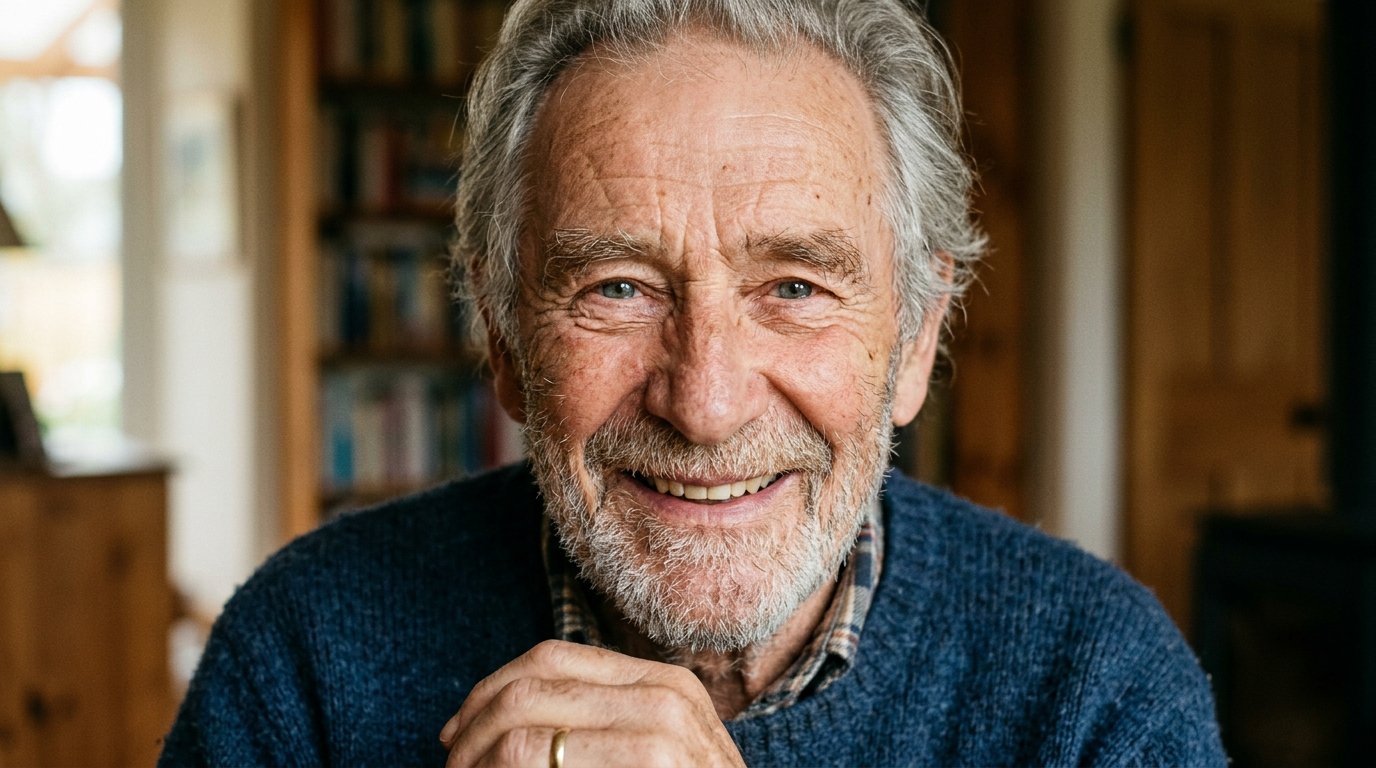
Historical restoration is an act of deep reverence, not digital vanity. The objective is never to invent a synthetic digital person, but to restore clarity and dignity to what the physical wear of time sought to degrade. When older relatives examine the final print and say through joyful tears, “That is exactly how I remember him,” you know the technology has served its highest purpose.
Tactical Comparison: Which Tool Fits Your Photo Project?
To choose the most efficient path to restore old photos with AI, consult this quick decision table:
| Tool | Best Use Case | Learning Curve | Cost |
|---|---|---|---|
| ChatGPT Vision | Fast cleanup, prompt-guided period colorization, and instant mobile sharing | Very Easy (natural conversation) | Free / Plus tier |
| CodeFormer | Heavily blurred faces, low-resolution eyes, and authentic facial reconstruction | Easy (runs in web browser) | 100% Free & Open Source |
| Upscayl Desktop | High-definition scaling (4x–16x) for framed canvases and print gifts | Intermediate (local installation) | 100% Free & Open Source |
| Google PhotoScan | Smartphone digitizing with automated glare and paper-curl removal | Very Easy (mobile app) | 100% Free |
The optimal workflow for meaningful family archives is a hybrid pipeline: capture with PhotoScan, use ChatGPT for scratch removal and initial color, pass through CodeFormer to calibrate eye sharpness, and finalize in Upscayl for wall framing.
Frequently Asked Questions: How to Restore Old Photos with AI
Does AI photo restoration alter the physical paper original?
No. Using digital tools to restore old photos with AI operates entirely upon the scanned electronic copy. Your original cellulose print remains untouched and should be preserved in acid-free archival sleeves in a cool, moisture-controlled room.
Do free AI platforms claim copyright over uploaded family pictures?
Reputable open-source tools like CodeFormer and Upscayl process data locally or through ephemeral demonstration sandboxes without claiming rights. On commercial platforms like ChatGPT, you can toggle off model training in your privacy settings to ensure personal imagery remains private.
Can severely torn photos missing part of a face still be saved?
Yes. Modern multimodal inpainting can mirror surviving facial structure to reconstruct missing segments with remarkable anatomical accuracy. When working with substantial tears, utilize the 3-step conversation method to verify the reconstruction matches real family recollections.
Can I print AI-restored images as large living room canvas prints?
Yes. While chat apps deliver resolution ideal for 4×6-inch prints and screens, passing the finished output through desktop upscalers like Upscayl quadruples pixel density, making files crisp enough for 24×36-inch professional gallery printing.
How to Restore Old Photos with AI to Bridge Generations
In a hurried digital culture saturated with fleeting social media snippets that vanish after twenty-four hours, sitting down to restore old photos with AI is a profound act of love and preservation. Few technical experiences are as deeply rewarding as handing an aging relative a newly restored, crystal-clear portrait from their early youth.
Artificial intelligence reaches its finest calling when it steps beyond work productivity and acts as an emotional bridge uniting generations. Pull that old shoebox from the closet this weekend, pick a meaningful snapshot, and test these prompts: you will be moved by the precious stories waiting to be rediscovered.
(Prefer to read this comprehensive tutorial in Portuguese? Explore our complete Brazilian edition on restauração de fotos antigas com IA.)