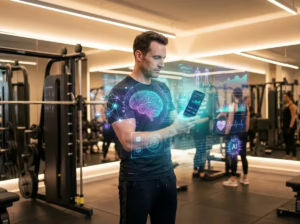
You have undoubtedly caught yourself in the late-night doomscroll on Instagram Reels, TikTok, or YouTube Shorts, utterly captivated by a thirty-second clip that felt impossibly engaging. The visuals pop with punchy momentum, dynamic karaoke captions dance across the screen in lockstep with every syllable, and the opening hook grabbed your attention before your analytical brain even kicked in. Behind the vast majority of these high-performing vertical productions lies no bloated Hollywood crew; instead, it is a single resourceful creator who mastered the art of building short videos with AI from end to end.
The real revolution of the vertical video landscape is not simply editing speed—it is the wholesale democratization of production value. Today, anyone holding an entry-level smartphone and a handful of generative platforms can draft compelling scripts, slice dead air in milliseconds, synthesize cinematic B-roll, and auto-caption speech with surgical accuracy. Where creators once spent four frustrating hours wrestling with clunky desktop timelines, modern workflows allow you to turn out three polished vertical clips in under forty minutes.
Yet, there is a subtle trap separating videos that rack up hundreds of thousands of views from those buried by the algorithm within two seconds: the friction between digital artificial intelligence and physical acoustic reality. In this hands-on guide, we break down the definitive blueprint to engineer high-retention short videos with AI, covering battle-tested scripting prompts, streamlined editing stacks, and the physical audio secret that makes or breaks automated workflows.
The Psychology of Vertical Feeds: The Unforgiving 3-Second Rule
Within the first three seconds of playback, viewers make a subconscious, split-second calculation: stay hooked or swipe upward. If your opening is sluggish, generic, or bogged down by polite introductions (“Hey guys, today I wanted to talk about…”), the platform’s recommendation engine logs an immediate bounce and throttles organic distribution.
When producing short videos with AI, your core objective is crafting an irresistible pattern interrupt. This hook can take the form of an arresting question, a counterintuitive truth, or an instant reveal of the end result before explaining the steps. Unlike traditional horizontal YouTube videos that reward patient buildup, vertical formats thrive on immediate payoff: deliver upfront value first, unpack the context second.
A bulletproof, high-retention vertical anatomy hinges on four tight phases:
- The Magnetic Hook (0 to 3s): A provocative opening statement that freezes the user’s thumb and makes a compelling promise.
- Pain Agitation (3 to 10s): Clarifying why the common method fails or how this specific bottleneck costs the viewer time or money.
- The Tangible Solution (10 to 25s): Actionable, no-nonsense advice showing the workflow, prompt, or physical tip on screen.
- The Seamless Replay Loop / CTA (25 to 30s): A closing phrase designed to loop naturally into the first sentence, driving passive replays.
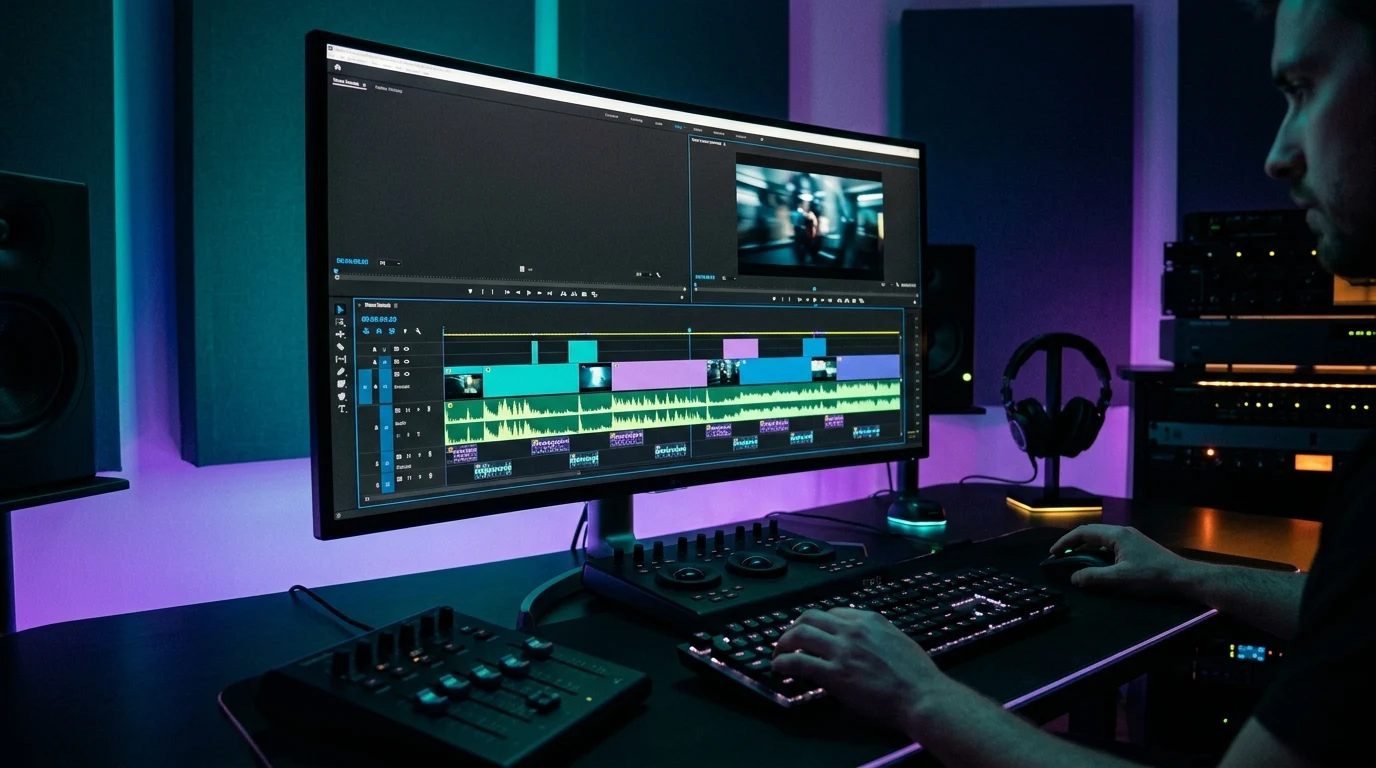
High-Retention ChatGPT Scripting: 3 Prompts for Short Videos with AI
The most common stumbling block beginners face is asking chatbots for generic outlines like “write a script about time management.” What you get in return is textbook corporate jargon that sounds impossible to speak casually on camera. To craft short videos with AI that feel punchy, conversational, and alive, your prompts must enforce strict conversational constraints, natural breath cadences, and scene cues.
Here are three refined prompts you can plug straight into ChatGPT or Claude:
Prompt 1: The High-Retention Viral Vertical Scriptwriter
Engineered to distill complex ideas into sharp, conversational 30-to-40-second vertical scripts:
You are a top-tier vertical video strategist specializing in viewer retention for Instagram Reels, TikTok, and YouTube Shorts.
I need a tight 30-to-40-second script about the following topic: [INSERT TOPIC HERE].

Strict scripting rules:
1. Provide 3 punchy, pattern-interrupt opening hooks (maximum 7 words each).
2. Write the body in short, rapid-fire sentences (under 12 words per sentence), matching natural coffee-shop speech cadence.
3. Insert visual scene directions in brackets, such as [B-ROLL: SCREEN RECORDING OF TOOL] or [QUICK CUT TO DIRECT EYE CONTACT].
4. Tone must be energetic, direct, and zero pleasantries at the beginning.
5. Close with a frictionless call-to-action that encourages viewers to bookmark the video for later reference.
Prompt 2: The Repurposing Machine (1 Long Article into 3 Vertical Cuts)
If you already have long-form blog articles or notes, this command slices them into three standalone hooks:
Act as a viral video producer. I am pasting an excerpt from a written article below:
[PASTE TEXT HERE]

Your task:
Extract 3 distinct angles from this text and create 3 standalone 30-second vertical video scripts:
- Script 1 (The Common Mistake Angle): Zeroes in on what people do wrong and how to fix it immediately.
- Script 2 (The 3-Step Quick Guide): An ultra-fast, actionable checklist.
- Script 3 (The Myth Buster Angle): Disproving a popular misconception in the niche.

For each script, provide the spoken dialogue and the exact on-screen headline text for the opening hook.
Prompt 3: The AI Visual Director for Cinematic B-Roll Prompts
Much like the aesthetic frameworks we discussed in our guide on recreating visual styles and cinema with AI, pairing dynamic speech with rich background textures elevates production value significantly:
Based on the vertical script above, list 5 fast 2-second B-roll cutaway concepts that visually represent the key spoken moments.
For each scene, output a detailed descriptive prompt in English so I can generate static backgrounds or short video clips in AI generative tools.
The Audio Paradox: Why Algorithms Punish Poor Sound Quality
Here is the uncomfortable production reality that theory-heavy tutorials routinely overlook: audiences will readily tolerate average video resolution, but they will instantly swipe away from hollow, echoey audio. If your voice sounds thin, boomy, or drowned out by background room reverb, viewer retention drops off a cliff within two seconds.
More crucially, the automated pipeline for short videos with AI relies heavily on clean sonic input. Transcription engines like OpenAI’s Whisper—which power captioning in CapCut and similar suites—depend on crisp vocal separation. When you speak three feet away from a phone microphone in an untreated room, the AI hallucinates words, botches punctuation, cuts essential syllables, and throws off auto-sync timings.
Physics always trumps algorithms: keeping the capsule approximately six inches from your chest eliminates ambient echo and traffic rumble before the software even touches the file. That is why a dedicated compact lavalier is the single highest-ROI hardware upgrade for any creator:
⭐ Editor’s Choice • Best Budget Gear
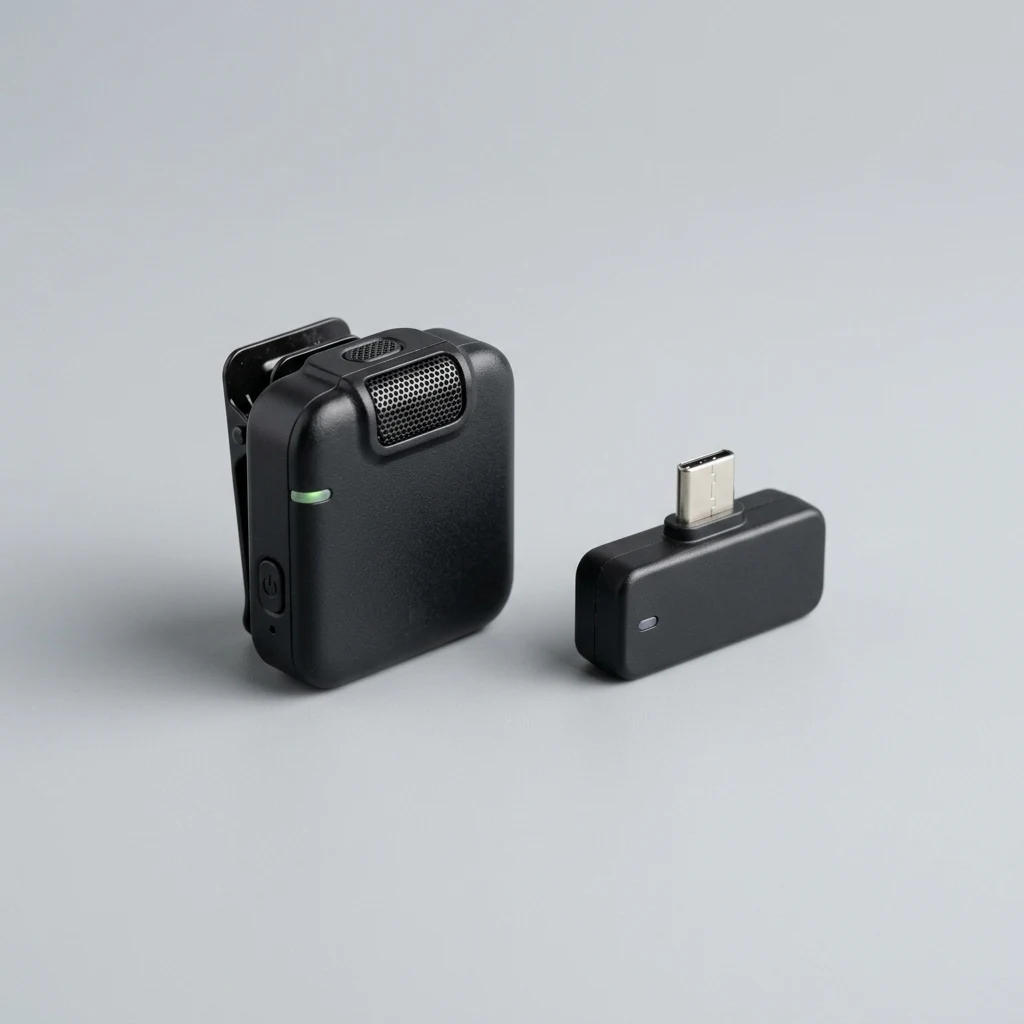
Wireless Lavalier Microphone for Phone (USB-C / Lightning)
The number one mistake creators make is relying on their phone’s built-in mic from three feet away. This plug-and-play wireless lavalier features 2.4 GHz clean transmission, zero app configuration, and real-time noise reduction that delivers the warm, velvety vocal presence AI transcription models need to generate flawless captions.
Simply plugging the wireless receiver into your phone’s USB-C or Lightning port bypasses internal mic compression automatically. There are no finicky drivers or tangled cords to deal with. The acoustic transformation is immediate: your voice gains full broadcast body and rich presence, giving AI speech tools the clean frequency response they require for 100% transcription accuracy.

The Recommended Production Stack for Short Videos with AI
Building a sustainable creation workflow does not require juggling ten exorbitant monthly subscriptions. A streamlined pipeline combines three accessible layers:
1. Scripting & Structure: ChatGPT or Claude
Use the prompts provided in this guide to distill concepts into tight 30-second scripts. If you want to master persuasive messaging, pair this with our breakdown of advanced AI prompts for high-converting ads. What makes modern large language models indispensable here is their ability to trim conversational fat: ask the model to strictly keep vocabulary under an eighth-grade reading level, ensuring instant cognitive comprehension while users casually browse their feeds.
2. Realistic Voice Synthesis (For Faceless / Dark Channels): ElevenLabs
If you prefer running a faceless channel without recording your own voice, ElevenLabs remains the gold standard in hyper-realistic voice generation with natural breathing pauses and emotional inflections. You can train custom voice clones or utilize established narrator profiles, pairing them with dynamic B-roll clips to build fully automated theme pages across finance, tech, and productivity.
3. Automated Editing & Dynamic Subtitles: CapCut, Descript, or OpusClip
CapCut excels at applying dynamic captions with animated highlights and one-click silence removal right on mobile or desktop. Meanwhile, for creators sitting on long podcast recordings or interviews, OpusClip automatically generates viral short snippets scored with engagement predictions. If you prefer text-based editing where deleting a word in the transcript instantly cuts the corresponding video frame, Descript offers an unmatched desktop editing experience for creators scaling their output.
Visual Polish: Lighting and Composition Without Pricey Gear
While audio accounts for the majority of initial viewer retention, visual crispness prevents perceived amateurism. You do not need cinema-grade light panels to achieve striking results for short videos with AI. A few compositional adjustments make any mid-tier smartphone look like a thousand-dollar camera setup:
- The 45-Degree Window Angle: Avoid placing windows directly behind your back, which silhouettes you into a dark shadow. Instead, position your desk at a 45-degree angle toward the window so natural daylight wraps softly across one side of your face.
- Eye-Level Lens Alignment: Stacking your phone flat on a desk forces an unflattering upward camera angle that distorts proportions. Mount the phone on a compact tripod with the lens perfectly aligned with your eye line.
- Clean Background Separation: Step two to three feet away from the wall behind you. Physical distance creates natural optical separation and gentle background blur, making on-screen kinetic captions pop with maximum contrast.
Step-by-Step Checklist to Record Short Videos with AI in 15 Minutes
To avoid analysis paralysis, follow this rapid production rhythm:
- Step 1 — Hook Selection (2 min): Identify a single core pain point in your niche and run Prompt 1 in ChatGPT to isolate your strongest opening hook.
- Step 2 — Quick Setup (3 min): Mount your phone at eye level near natural window light, plug in your wireless lavalier receiver, and clip the transmitter onto your collar.
- Step 3 — Sentence-by-Sentence Recording (5 min): Do not attempt a flawless one-take performance. Deliver one energetic sentence, pause for a second, glance at your script, and speak the next line. AI automated jump cuts will clean the dead spaces seamlessly.
- Step 4 — Auto-Caption & Export (5 min): Import the file into your editor, run silence removal, generate dynamic captions, export in 1080×1920 (30 or 60 FPS), and publish to your channels.
Frequently Asked Questions About Short Videos with AI
Do social media algorithms penalize short videos with AI?
No. Algorithms on Instagram, TikTok, and YouTube do not penalize content simply because AI helped with scripting, auto-captions, or cut selection. What algorithms penalize is low retention, synthetic spam, and unlistenable audio. If your video delivers genuine human value and keeps viewers watching, distribution thrives.
Do I need an expensive flagship smartphone to produce short videos with AI?
Not at all. Modern mid-range smartphone cameras capture stunning detail when illuminated by soft natural window light. What truly separates amateur clips from professional vertical video is framing stability and crisp external audio.
What is the optimal video length for maximum viewer retention?
Between 25 and 45 seconds. This window is generous enough to deliver a valuable, complete insight, yet compact enough to maintain an 85%+ completion rate that triggers platform replay loops.
Are faceless ‘dark’ channels still viable today?
Yes, but the quality threshold is significantly higher. Low-effort robotic slideshows no longer gain traction. Thriving faceless creators rely on compelling storytelling, sharp voice synthesis, and curated, premium visuals.
Your Next Move: Record Your First Clip Today
The technical barrier to producing high-impact vertical video has completely vanished. Mastering how to create short videos with AI gives you an undeniable edge over creators still losing entire afternoons to manual timeline trimming.
You do not need an elaborate studio or cinema cameras to get started. Grab your phone, run the first prompt from this guide, and publish your first clip this week.
(Prefer to read the Brazilian Portuguese edition of this guide? Check out our complete tutorial on vídeos curtos com IA.)